
-
5.0 Stars ⭐⭐⭐⭐⭐ 628 Google Reviews

Frederic
-
Posts
9,118 -
Joined
-
Last visited
-
Days Won
467 -
Country
Belgium -
Carnity Points
4,138 [ Donate ]
Content Type
Profiles
Forums
Advice
Car Deals
Recall
OBD II Car Diagnostics
Guest lead capture
STORE
Events
Gallery
Blogs
Everything posted by Frederic
-
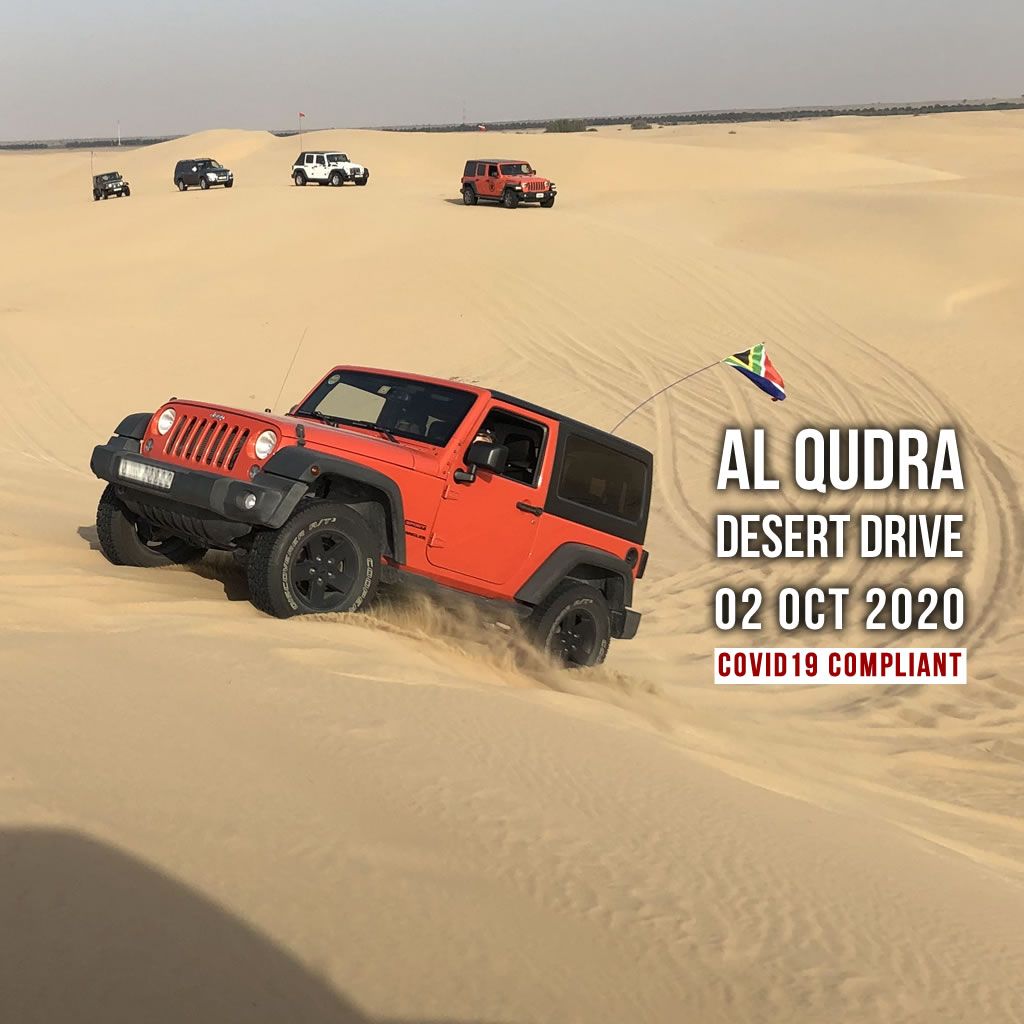
 untilDrive Details Level: Fewbie and above (No Newbies) When: 2 Oct 2020, Friday. Meeting time: 4:30 PM (SHARP - Without any exceptions) Meeting Point: https://goo.gl/maps/TipodD61aAW1ynnw7 Action Plan: Evening drive till about 08:30 PM Type of Car: Any proper 4x4 with front and back tow hooks and 8-10 inches of ground clearance. What to bring along: Loads of water, snacks (for yourself), face mask, rubber gloves, enthusiasm and willingness to learn. Please also make sure you have all the equipment required on board as a Fewbie - Proper shovel, deflation kit, flag. THIS IS A COMPRESSOR ONLY DRIVE. IF YOU DO NOT HAVE A COMPRESSOR, PLEASE DO NOT SIGN UP FOR THIS DRIVE. IF YOU ARRIVE AND HAVE NO COMPRESSOR YOU WILL NOT BE ALLOWED TO JOIN THE DRIVE. End Point: Al Qudra Solar Park
 -
This drive is organized in full compliance with the COVID19 guidelines. We expect every member that joins this drive to go through below information and and strictly follow these guidelines in order not to jeopardize someone's health, and to ensure we can keep organizing these drives safely. MUST READ AND TOTALLY AGREE: COVID19 Precautions MUST READ AND TOTALLY AGREE: BAN POST Two Way Radio Guidelines Every Offroader brings his own radio, programmed to the frequencies described in below advice topic. We will not share spare radios or program your radio on the drive. If you need assistance in programming the radio, post a topic on the Carnity website with your questions and we will help you out. Make sure your radio is fully charged. It will be your only way of communication while driving. Before buying, please carefully read below advice so you are informed properly on which model / cost / shops... No radio = No drive. It is an essential tool and you should make sure you bring it on every drive and learn/practice how to use it. Drive Details Level: Fewbie and above (No Newbies) When: 2 Oct 2020, Friday. Meeting time: 3:30 PM (SHARP - Without any exceptions) Meeting Point: https://goo.gl/maps/TipodD61aAW1ynnw7 Action Plan: Evening drive till about 07:30 PM Type of Car: Any proper 4x4 with front and back tow hooks and 8-10 inches of ground clearance. What to bring along: Loads of water, snacks (for yourself), face mask, rubber gloves, enthusiasm and willingness to learn. Please also make sure you have all the equipment required on board as a Fewbie - Proper shovel, deflation kit, flag. THIS IS A COMPRESSOR ONLY DRIVE. IF YOU DO NOT HAVE A COMPRESSOR, PLEASE DO NOT SIGN UP FOR THIS DRIVE. IF YOU ARRIVE AND HAVE NO COMPRESSOR YOU WILL NOT BE ALLOWED TO JOIN THE DRIVE. End Point: Al Qudra Solar Park LIMITED SPOTS AVAILABLE: Limited to 10 cars maximum. RSVP will close on Thursday - 9 AM. If the RSVP is full and you wish to join, please mention your name on the drive thread to add on the waiting list Latecomers will be returned back - without ANY EXCEPTIONS. Members without RSVP will be returned back - without ANY EXCEPTIONS. Members that do not confirm the terms of the COVID requirements will be removed from the RSVP list. Please withdraw your RSVP, if you aren't joining, so your spot can be taken by others. Repeated no-show members after RSVP will have their account suspended for a month. Please RSVP on the below calendar
-
untilDrive Details Level: Only for "ABSOLUTE NEWBIES" or first timer with Carnity Off-Road Club When: Friday 2 October 2020. Meeting time: 5:30 AM (SHARP - Without any exceptions) Meeting Point: Al Qudra - https://goo.gl/maps/Cn8z4JKjDRzc1fty6 Type of Car: Any 4x4/4WD/SUV/AWD with front and back tow hooks and 8-10 inches of ground clearance. What to bring along: Deflator and Pressure Gauge, Loads of water, snacks (for yourself), face mask, rubber gloves, enthusiasm and willingness to learn. Approximate finish time: 09:30 AM End Point: Qudra Parking
-
Join us to explore Al Qudra Desert to find what's beyond Qudra lakes And learn the art of offroading in a versatile playground for your first off-road adventure. You will learn to self-drive your vehicle from experts having decades of off-roading experience in the UAE. This area offers a good mix of playable long set of dunes and broad ridges to test your off-road control. Drive is open for all 4x4/4WD/SUV/AWD vehicles having 8-10 inches of ground clearance and (MANDATORY) Front and rear tow hooks (MANDATORY) What you'll learn: Introduction to off-roading. Desert driving basics and etiquette. Desert driving tips, techniques, myth and best practices. Off-road and safety gear familiarization and recovery procedures. Vehicle orientation, risk analysis, deflation and outdoor safety advice. First time with Carnity Off-road Club: Please share your vehicle details - Make, Model, Year. Do you have any prior off-road experience? Confirm your vehicle has front and rear tow hooks / eyelets. Why should i join? We will teach you how to self-drive off-road safely and learn the best offroad driving and recovery techniques. If you have already driven in sand before then you can learn more from experts having decades of offroading experience in the UAE. This area offers a good mix of playable long set of dunes and broad ridge to test your off-road control. Can my vehicle do this ? This drive is open for all 4x4/4WD/SUV/AWD vehicle having 8-10 inches of ground clearance and front and rear tow hooks. If in doubt please first announce your questions on the drive thread so we can advise you further. Any stock 4x4/4WD are most welcome, you don't need any vehicle modifications. Can i bring passengers ? Yes of course, but if you are absolute new to offroading it is better to drive alone first to avoid any distractions. Learn More About: Carnity Off-road Club STRICTLY: For ABSOLUTE NEWBIE who are driving for the first time with Carnity. MUST READ AND CLICK TOTALLY AGREE ON THE BELOW COVID19 PRECAUTIONS TOPIC MUST WATCH: NEWBIE VIDEO BRIEFING Drive Details Level: Only for "ABSOLUTE NEWBIES" or first timer with Carnity Off-Road Club When: Friday 2 October 2020. Meeting time: 5:30 AM (SHARP - Without any exceptions) Meeting Point: Al Qudra - https://goo.gl/maps/Cn8z4JKjDRzc1fty6 Type of Car: Any 4x4/4WD/SUV/AWD with front and back tow hooks and 8-10 inches of ground clearance. What to bring along: Deflator and Pressure Gauge, Loads of water, snacks (for yourself), face mask, rubber gloves, enthusiasm and willingness to learn. Approximate finish time: 09:30 AM End Point: Qudra Parking LIMITED SPOTS AVAILABLE: Limited to 15 members only. RSVP will close on Thursday - 5PM. 1 Lead Marshal + 2/3 Senior Members + 12 Members. If the RSVP is full and you wish to join, please mention your name on the drive thread to add on the waiting list Latecomers or members who are not on the RSVP will be returned back - without ANY EXCEPTIONS. Please cancel you RSVP if you cannot make it, so your spot can be taken by others. PLEASE RSVP ON BELOW EVENT IN THE EVENT CALENDAR

-
E4CCAADB-178F-4479-8008-D098108A7717.jpeg
Frederic posted a gallery image in Intermediate - Area53 - Sharjah - 25 Sep 2020
-
5A7FE843-24B8-4C57-99C9-2C433A65633F.jpeg
Frederic posted a gallery image in Intermediate - Area53 - Sharjah - 25 Sep 2020
-
4D822EF2-3649-4195-8CED-931864E877E0.jpeg
Frederic posted a gallery image in Intermediate - Area53 - Sharjah - 25 Sep 2020
-
D973551F-F8A8-4845-B2F4-874716CF0215.jpeg
Frederic posted a gallery image in Intermediate - Area53 - Sharjah - 25 Sep 2020
-
DC2A3BC8-F095-4E56-A487-0050733D5B6D.jpeg
Frederic posted a gallery image in Intermediate - Area53 - Sharjah - 25 Sep 2020
-
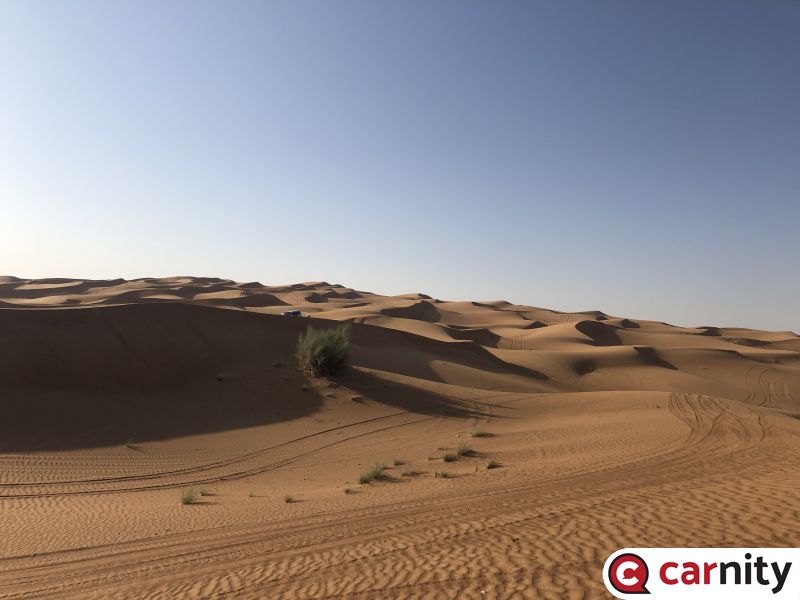
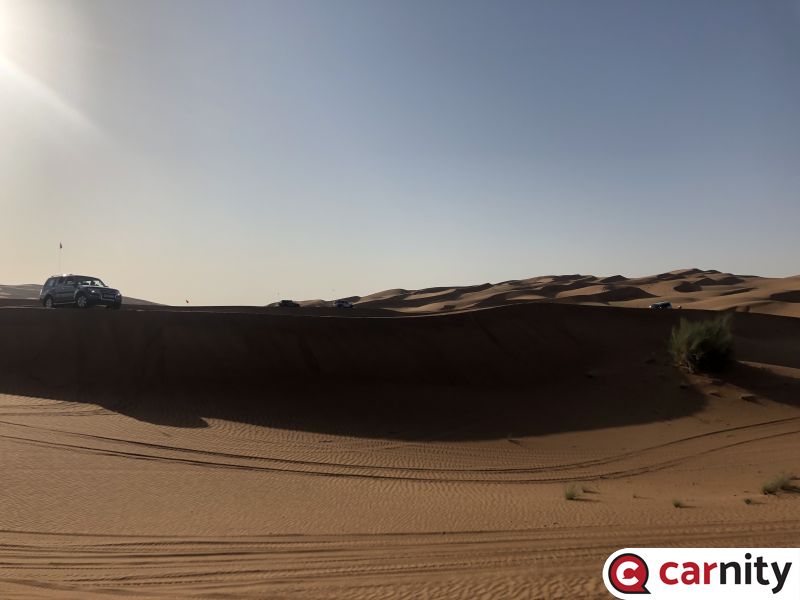
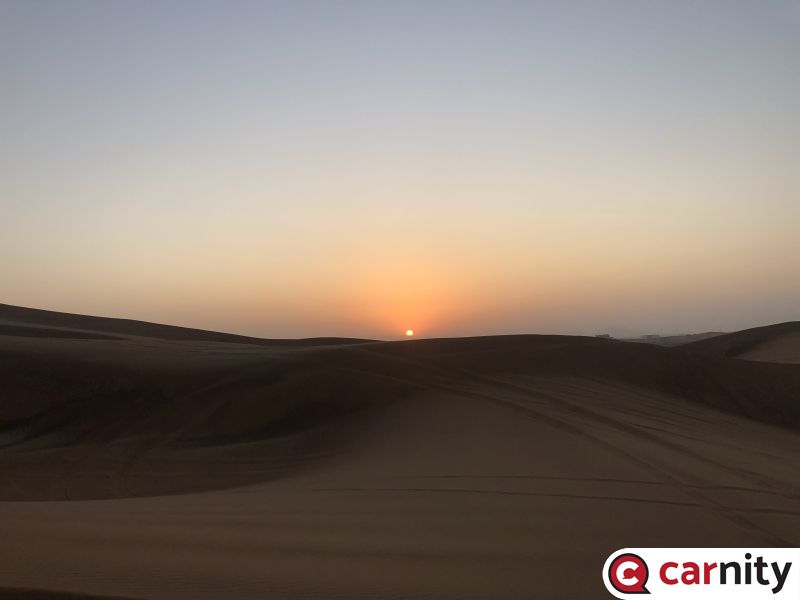
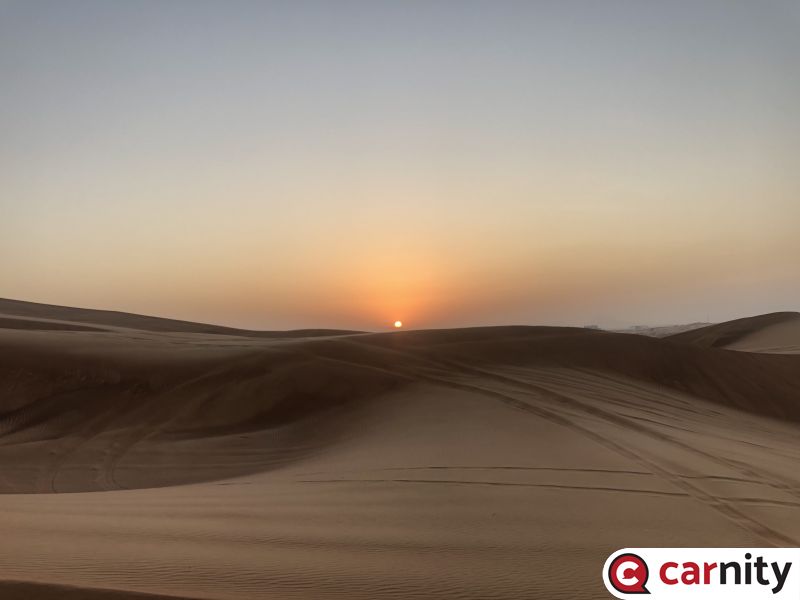
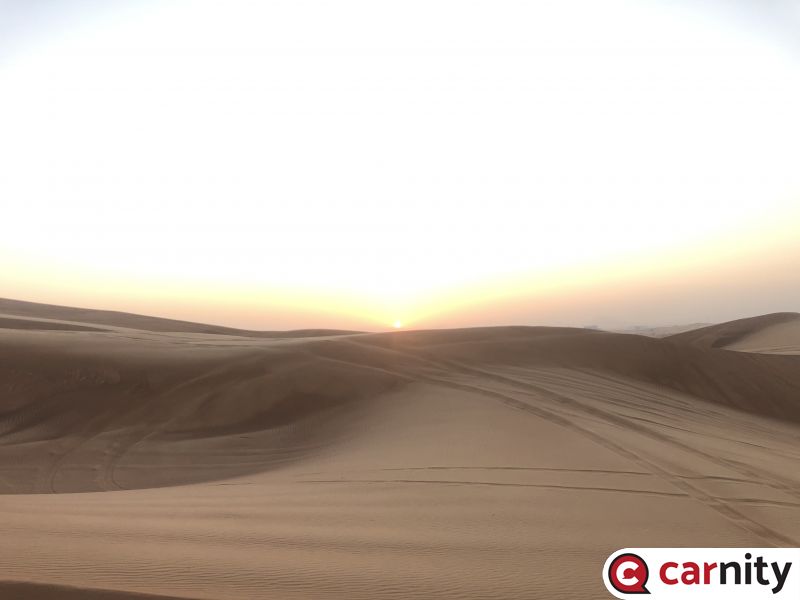
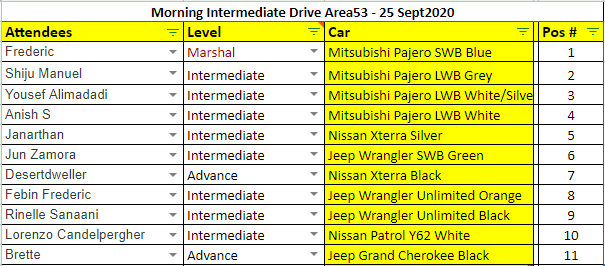
DRIVE REPORT "It's been a long time been a long time, been a long lonely lonely lonely lonely lonely time"...... Robert Plant, Led Zeppelin. My last Intermediate drive came from the time before Carnity exploded exponentially, and we use to have drives with 4-5 cars where we bumped the drive level up every 20 mins until the first one got stuck. This morning, a fresh convoy of about 9 cars was eager to hit the Bidayer area, and get a taste from the rockin and rollin this area has to offer. To avoid the crazy traffic at Bidayer shops, we deflated at the Big Adventure Tours roundabout and went in from there. These dunes are little bit technical and it was a great sight to see the sun coming up behind Big Red itself. We moved to the first pyramid area and all did their very best to get as far and as high as their vehicle could take them. The whole team did their utmost best and all proved their recent promotions. We kept moving from one play area to another, and were eventually halted by the first popout Brette encountered. The tyre lost its valve and had some damage on the inner edge so we had some difficulties getting it to pop in again. 2 more popouts followed the next hour but these were easier ones that were resolved within 10-15mins. We enjoyed the sunny morning, and only had to deal with a very few refusals that were easily dealt with, and the rope of @Foxtrot Oscar did its work as well. Big kudos to @Shiju Manuel for being a great second lead and communicating well to the other Pajeros behind him to make them aware of the bumps and pockets. @AnishS you did a fewbie plus drives and it showed, you drove with confidence and i hope Veedooshee enjoyed as well. @Yousef Alimadadi for your first intermediate drive as well, absolutely well done. Totally impressed as well with @Janarthan @Lorenzo Candelpergher, @Foxtrot Oscar and the Wrangler boys @Febin Frederic @Rinelle Sanaani @Jun Zamora @Brette also a thumbs up for assisting with the recoveries and keeping everyone moving. See you soon in the sands again !
- 17 replies
-
- 12
-

-

-

-
Sure buddy ! Bring it on !
-
No worries Jamy, take care and see you soon.
-
Oh I saw that in the news, but was not aware that they were able to recover the vehicle. Fantastic teamwork !
-
RSVP IS NOW CLOSED For the guys and gals who have been intermediate for a while, you probably have done this terrain and know what to expect. The pyramids and long range dunes offer plenty of challenges, and fast pace driving will only be one of them. For the new intermediates who recently got promoted, get ready to push every little bit of power from the vehicle, make sure you are properly deflated, and better avoid taking sensitive passengers. The plan of course is to have lots of fun, but also to test and shift the limits of yourself and your vehicle a bit further. @Shiju Manuel will be my second lead, while @Desert Dweller will keep an eye out for assisting with refusals and recoveries, and @Brette will be our help at the back and keep the convoy moving at the appropriate distances. If all goes well we will try to make it to Iftar Bowl, but let's see how things go and keep things safe and sane. See you guys tomorrow !
- 17 replies
-
- 10
-
-
Arun Mathew has been promoted to fewbie level
Frederic replied to Gaurav's topic in Off-Road Club's Announcements
Congrats @Arun Mathew !! -
Ashy has been promoted to fewbie level
Frederic replied to Gaurav's topic in Off-Road Club's Announcements
Congrats @Ashy!! -
Sinol has been promoted to fewbie level
Frederic replied to Gaurav's topic in Off-Road Club's Announcements
Congrats @Sinol !! -
Nivin has been promoted to Intermediate level
Frederic replied to Gaurav's topic in Off-Road Club's Announcements
Congrats @Nivin ! You’re always around with fantastic support ! Well deserved ! -
Added you to the drive @Najeeb Mohammed. See you tomorrow.
-
- 649 replies
-
- 4
-

-
-
- funny car memes
- funny car memes uae
- (and 3 more)
-
Given the fact that it only rains a few days per year, i doubt if your tyres are still good 😳. So correct me if I’m wrong: in the millisecond moment your car would be slipping you would quickly switch off the traction control with your kill switch ? I’ll give you one hint: during wet days and slippery terrain, just keep the car in 4H. Problem solved.
-
I am not sure why you would want to disable the traction control on road. If the ground and tyres are wet and the traction kicks in, it is doing what its supposed to be doing, and rest assured with a rear-wheel driven Pajero your car would be easily slipping and might cause you to make a full 360. Even if you go for a kill-switch, all the lights on your dashboard (ABS, Traction Control) will be fully on, i don't think that is very healthly and re-assuring while driving on-road, hence the suggestion/advice i posted is only for going offroad.
-
Dodge Challenger, what to watch out for when buying
Frederic replied to Heisem's topic in Dodge Challenger Forum in UAE
This is the kind of car that easily could become a money pit. Especially when coming from Emirates Auctions, where these car might appear to go cheap, but you will end up spending in some cases more than finding one from a private owner and paying a bit more. The SRT will be the most fun, but will cost a lot to get it back in decent condition. With so many expats leaving, i'd keep an eye out on the private selling platforms and pay a bit more for a clean one. Export to Europe is another challenge.... -
Carnity Leaders DRONE CHALLENGE
Frederic replied to Lorenzo Candelpergher's topic in General Discussions
Absolute amazing idea ! Count me in @Lorenzo Candelpergher 👍 PS we are in Badayer coming Friday 😜- 22 replies
-
- 4
-
-

-
- off-road videos
- drone videography
- (and 1 more)