-
5.0 Stars ⭐⭐⭐⭐⭐ 628 Google Reviews

Looper
-
Posts
5,197 -
Joined
-
Last visited
-
Days Won
99 -
Country
India -
Carnity Points
101 [ Donate ]
Content Type
Profiles
Forums
Advice
Complete Onboarding & Agree to Club Rules & Guidelines
Marketplace
STORE
Events
Gallery
Blogs
Everything posted by Looper
-

Dan S has been promoted to Fewbie level
Looper replied to Gaurav's topic in Off-Road Club's Announcements
Congratulations @Dan S on reaching the Fewbie level. Enjoy the new level. -
Mahesh_ has been promoted to Fewbie level
Looper replied to Gaurav's topic in Off-Road Club's Announcements
Congratulations @Mahesh_ on reaching Fewbie level. Enjoy the new level. -
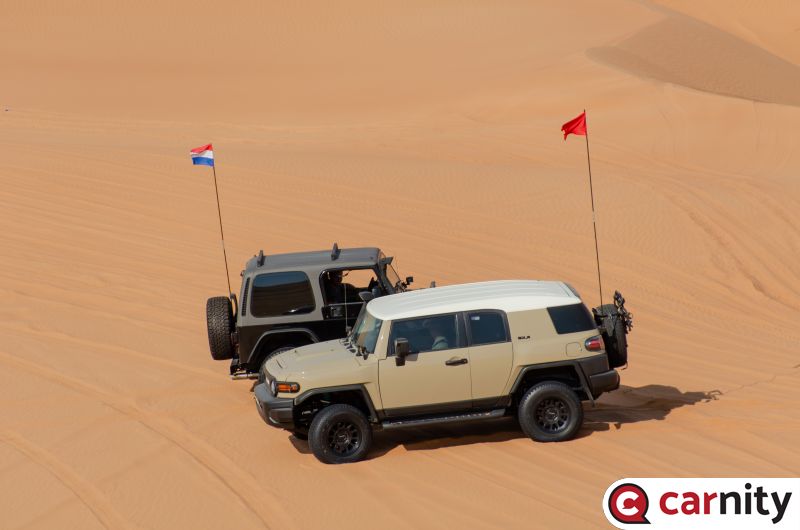
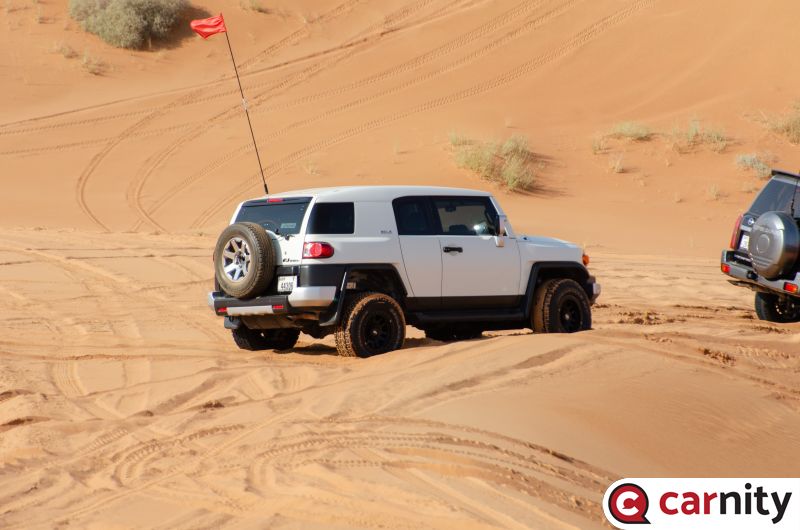
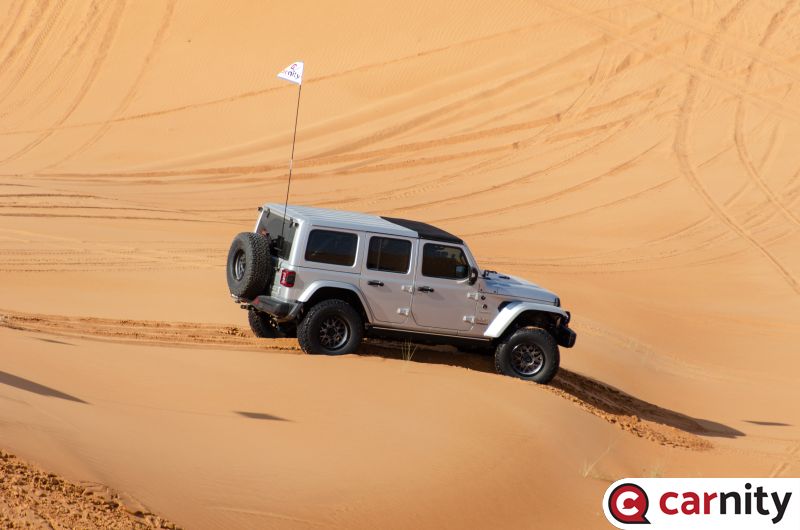
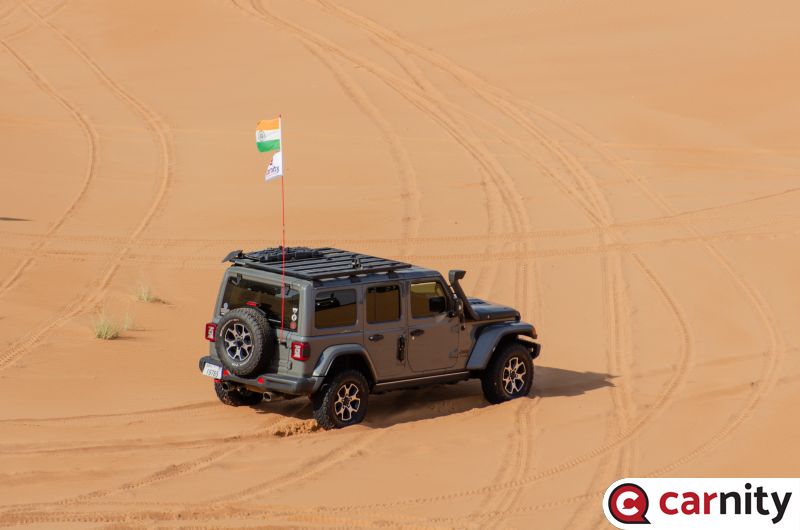
DRIVE PLAN This is a Team Desert Demons practice run where we want to practice for a longer duration and further distance. It is however open for others in case you want to join and experience the grueling nature of the competition. We will drive off at 7 am sharp from Al Qudra Roundabout and we will try to cover approx. 120 km+ and drive for about 5 hrs. I will share some waypoints we will cover later in the week and we all need to record our GPS tracks and share on the forum or with me similar to the requirement of DCT. Please bring 20 l extra fuel with you as the drive will last for over 120 km. This is going to be a grueling and almost half a day drive. Be warned and if you decide to join, be prepared. Request every member that joins this drive to go through the information below and strictly follow these guidelines, etiquette, and responsibilities. MUST READ AND COMPLY Environmental Policy Offroad Flag Guideline Two Way Radio Guideline Off road Driving Etiquettes Emergency details for all off roaders Off Road Driving - Roles & Responsibilities DRIVE DETAILS Level: Fewbie Plus and above When: 12 Nov 2023, Sunday Meeting time: 7:00 AM (Deflated and ready to go) Meeting Point: https://maps.app.goo.gl/Yj3XtXb59PGJWC149 Approximate finish time: 1:00 PM Type of Car: Any proper 4x4 with front and back tow hooks and 8-10 inches of ground clearance. What to bring along: Loads of water, snacks (for yourself), smiles, enthusiasm, and willingness to learn. Please bring 20 l extra fuel with you as the drive will last for over 120 km MANDATORY OFF-ROAD GEAR: Tire deflator & Tire pressure gauge Compressor Walkie-talkie radio Off-road flag Shovel, Tow Rope & 2 Shackles First-aid kit Fire extinguisher LIMITED SPOTS AVAILABLE This drive is limited to 10 cars only. RSVP will close on Friday If the RSVP is full, you can add your name to the waitlist, once anyone drops, you will be moved to the RSVP list. RSVP will close a day prior to preparing a convoy list. Latecomers will be returned - Without any exceptions. Members without RSVP will be returned - Without any exceptions. Please withdraw your RSVP, if you aren't joining, so your spot can be taken by others. Repeated no-show members after RSVP will have their account suspended for a month. PLEASE RSVP ON BELOW CALENDAR
-
untilDRIVE DETAILS Level: Fewbie Plus and above When: 12 November 2023, Sunda Meeting time: 7:00 AM (Deflated and ready to go) Meeting Point: https://maps.app.goo.gl/Yj3XtXb59PGJWC149 Approximate finish time: 1:00 p.m. Type of Car: Any proper 4x4 with front and back tow hooks and 8-10 inches of ground clearance. What to bring along: Loads of water, snacks (for yourself), smiles, enthusiasm, and willingness to learn. Please bring 20 l extra fuel with you as the drive will last for over 120 km
-
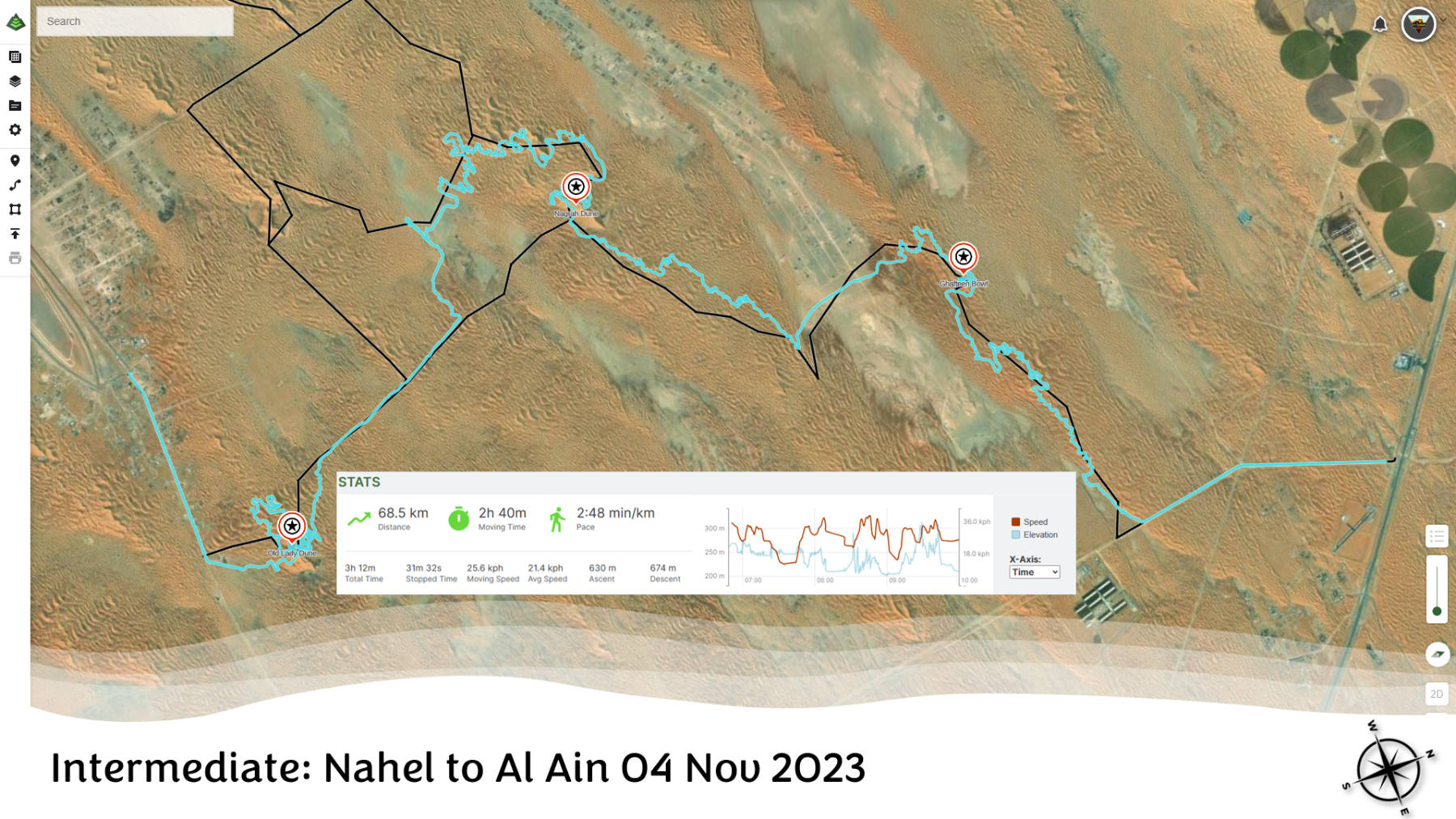
Drive Report We touched upon 3 way points. Gafteen Bowl, Nagara Hill and Old Lady dune. at Old lady dune @Hisham Masaad was remined many times why I am called Looper. It was the first time here so I was kind of wandering aimlessly and looping back to where I started finding him again and again. The distances between way points were covered easily and without much troubles. just a few refusals here and there but then what's a desert drive without a refusal - its never complete without one. @Mohit Gurnani you did very well for your first Intermediate Drive. In the future please try to arrive approx15 min before the drive time, so that you are deflated and ready to go. Everyone else except for you was ready to go by 6:30 a.m.; but we didn't start till 6:45 a.m. @Benjamin great second lead for you. Managing my short wheel base turns for the rest of the convoy - you did an excellent job. @Joji varghese @Rajiv Sam and @Hisham Masaad thank you all for your support during the drive. @Bashar Beasha, @Gary F, @Jona, @Bjoern, @Mohamad Anwer, @Gok Krish and @Anoop Nair it was great to have you all in the drive. See you all soon. Nice to meet up with @Vaibhav & @Santoso Marjuki at Nagra hill.
- 28 replies
-
- 10
-

-

-
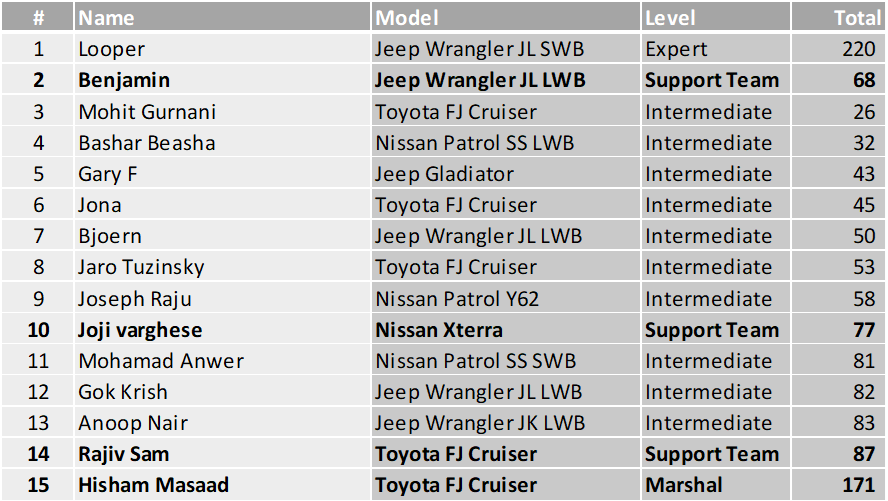
here we go with the convoy order. we will be on channel 2. for the nearest fuel station please refer to 👉 THIS 👈post.
-
This is a long convoy, we will face the issues that come with long convoys. There is a Fewbie drive led by @JeromeFJ in the same area at the same time in case anyone is interested.
-
@Bashar Beasha, @Jaro Tuzinsky, @Jona, @Benjamin, @Mohamad Anwer, @Joseph Raju, @Mohit Gurnani, @Joji varghese, @Gary F, @Rajiv Sam, @Anoop Nair, @Gok Krish, @Bjoern cc: @Hisham Masaad I will be posting the convoy order in the afternoon. Request you all to check your calendars and exit if you have any other plans late in the day or tomorrow so that you don't have to leave the drive after the convoy order is prepared or be a no-show. Thank you
-
In ios apart from enabling always for location service as well as precise location, I also disabled “better location accuracy when plugged in” in power setting - this make the track recording a lot better for me.
-
@Haneef Thayyil what app are you using to record your drive?
-
@Gok Krish Don’t do anything. Just wait.
-
There is no specific announcement as such. It is only if you are interested. At least I will be driving to Qudra Roundabout through desert and if anyone interested they can join. More the merrier.
-
I can only think it was because of the Sonic drive - shouldn't have done it. Don't worry about it. The situation will take care of it by itself towards the end of the week.
-
For all those who are camping, if interested please bring I a radio; for next morning about 7:00 a.m. -ish someone will lead a convoy through Route 66 to Qudra Roundabout. It will be an hour to hour and a half easy drive.
-
Martin M has been promoted to Fewbie level
Looper replied to Gaurav's topic in Off-Road Club's Announcements
Congratulations @Martin M. Well done 👍. -
Mohit Gurnani has been promoted to Intermediate level
Looper replied to Gaurav's topic in Off-Road Club's Announcements
Congratulations @Mohit Gurnani well done. I’ll see you in more drives now. -
Thanks @Mahmoud Taha (skull design), @Bashar Beasha (name suggestions), @Stumpy Paj (logo font & colour suggestions) & @Bravoecho (valuable inputs) for working on an off-off-road project to get the team logo and banner out.

-
you had our share of pop-outs. I can not even count how many times I thought I will have a pop-out in our drive due to wet muddy sand and sliding though them...
-
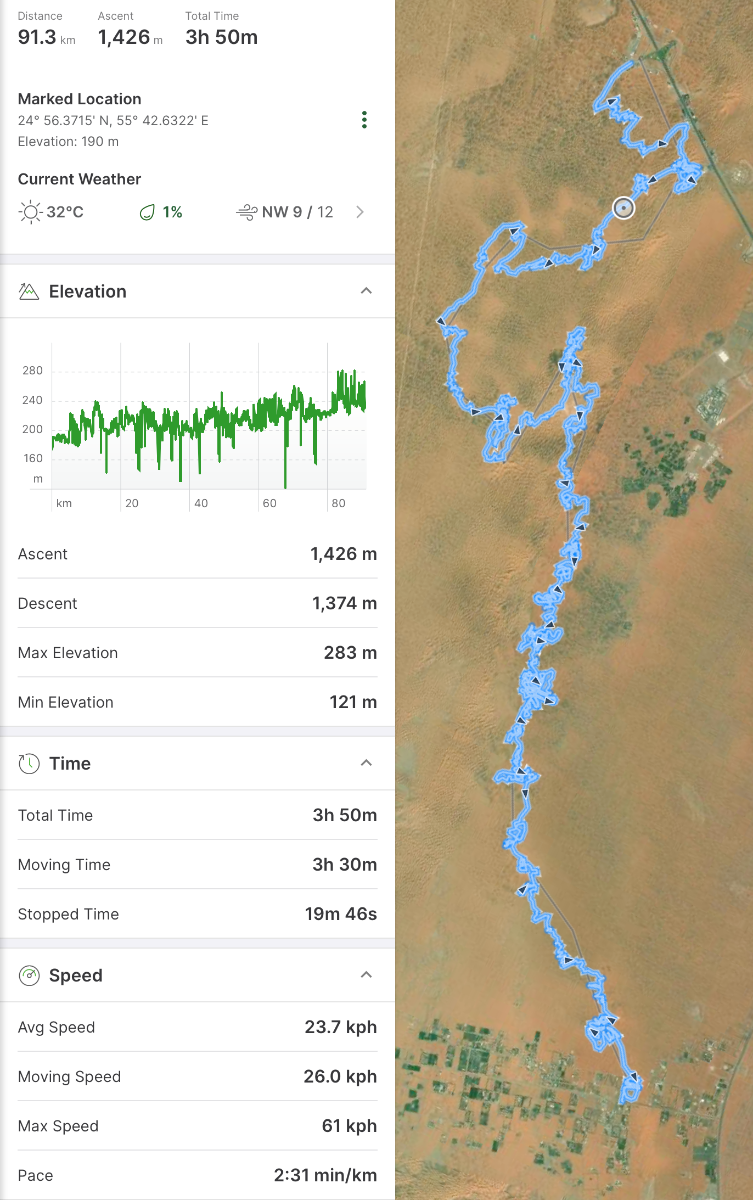
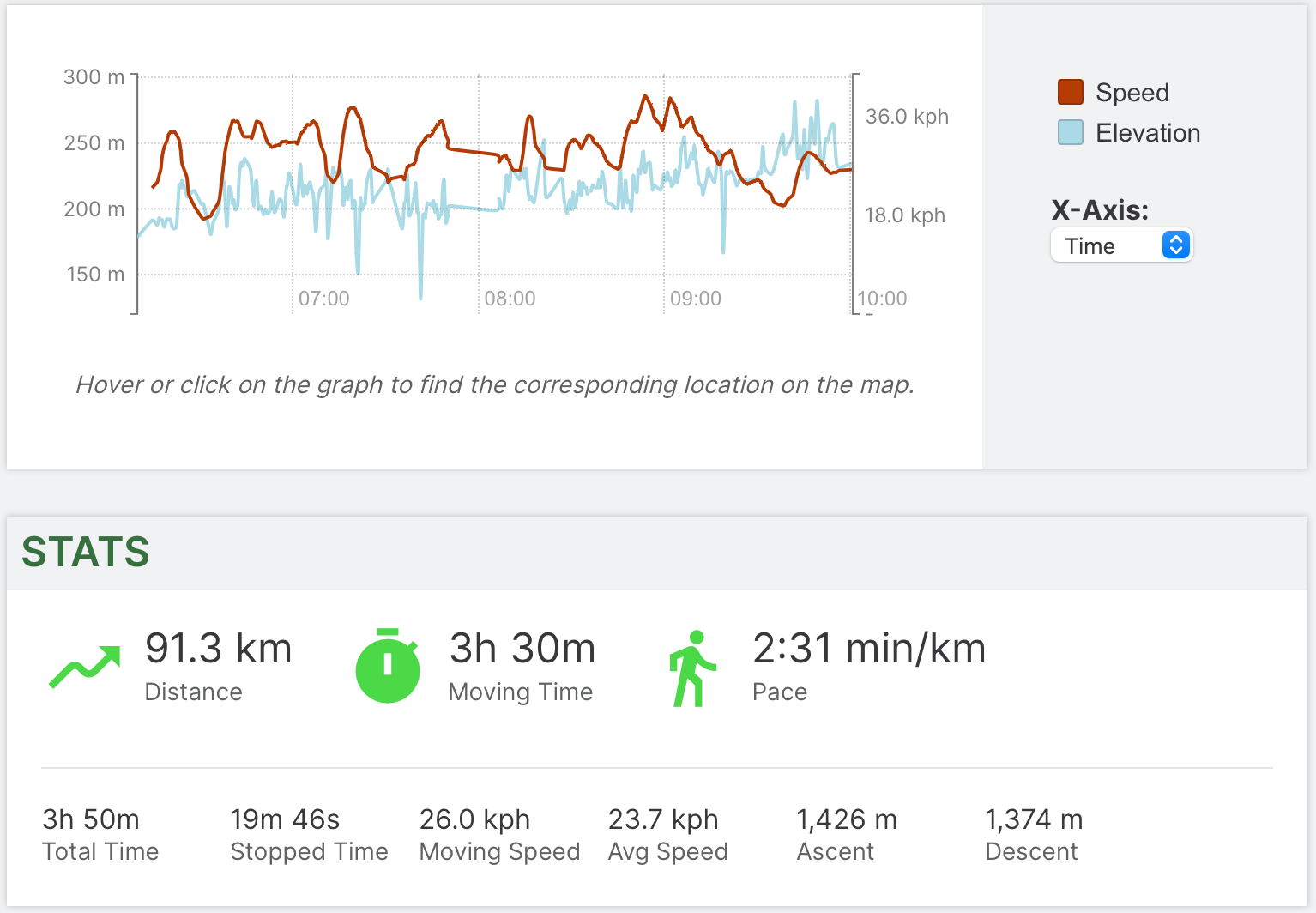
This is the first IM drive that I posted. It was only a portion of drive of the Team Looper practice run in which we started from the 2nd Dec Cafe and ended at Shuwaib. In that drive we did around ±85 km. But what I didn't realise at that time but later that we did a fantastic amount of milage on this drive about ±92 km. Today's rule was: do not fight gravity and giving in to the tracks and go where they take you. It was a miracle that we did not have any pop outs and only had few refusals that the driver could self-recover and at no time we had needed any kind of assistance from others in any of the refusals. In the morning when we started it was a bit nasty, due to all the wet sand in that area. everyone was struggling and perhaps looking back on the choices they made to join this drive. As the sun kept rising the convoy got into the rhythm and we found our matching tune. It was a lot more fun drive after we left Iftar Bowl and we found a some fantastic spots after we crossed Super Bowl behind, which is a trash bind for all intends and purposes. I loved the small technical patch we did. Frankly It has been ages that I have seen pristine desert. I could have driven more in that place, riding on the bland ridges it was 100% therapeutic for me. @Patrick van der Loo, @Bjoern, @Ranjan Das, @Bashar Beasha, @Jona, @Amir Amiri, @Rob S, @Rajiv Sam - Thank you all for joining. See you in the next one. My other phone shows 92.06 km for the same track and 26.6 kmph.