
Luke K P Posted June 2, 2025 Share Posted June 2, 2025 (edited) Incase this is helpful to anyone else in the future, and maybe i'm not the only one who finds the WebUI is completely non-intuitive.... if you are trying to draw a route and it is automatically snapping to roads etc.. you can change the routing style by * clicking the boots icon in the bottom left, then * selecting the non-visible dropdown menu under routing mode.. and * choosing STRAIGHT LINE Edited June 2, 2025 by Luke K P 3 1 2 Link to comment Share on other sites More sharing options...
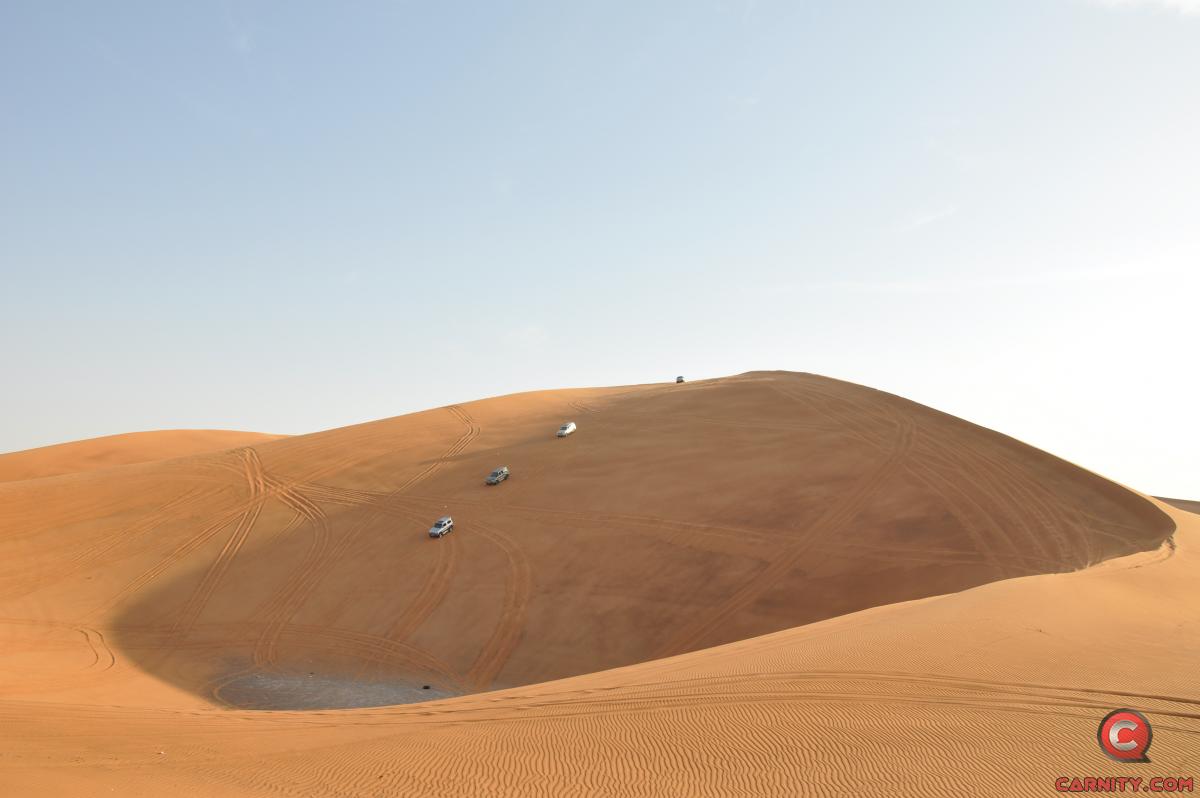
Zed Posted October 10, 2025 Share Posted October 10, 2025 Thanks for advocating CalTopo @Frederic , I'm hooked on 3D view with Slope markup as you can see on this Nagra dune, pretty accurate 👍 1 Link to comment Share on other sites More sharing options...
Frederic Posted October 10, 2025 Author Share Posted October 10, 2025 56 minutes ago, Zed said: Thanks for advocating CalTopo @Frederic , I'm hooked on 3D view with Slope markup as you can see on this Nagra dune, pretty accurate 👍 Ah yes! It will give you some headache to set it up, but it's totally worth it from a planning perspective. The mobile app however is not that great. "Go as far as you can see; once you get there, you'll be able to see further." Link to comment Share on other sites More sharing options...
Recommended Posts