Jump to content

Looper

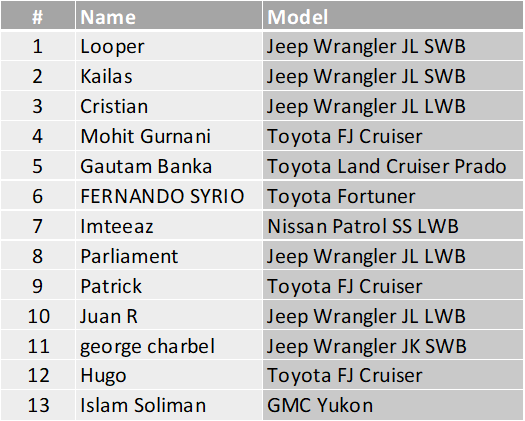
Lead Champion
  • Posts

    5,175
  • Joined

  • Last visited

  • Days Won

    98
  • Country

    India
  • Carnity Points

    66 [ Donate ]

Everything posted by Looper

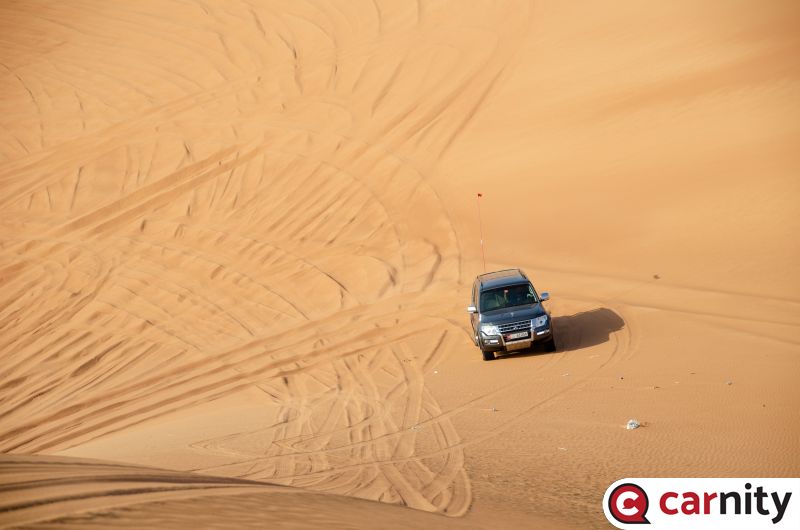
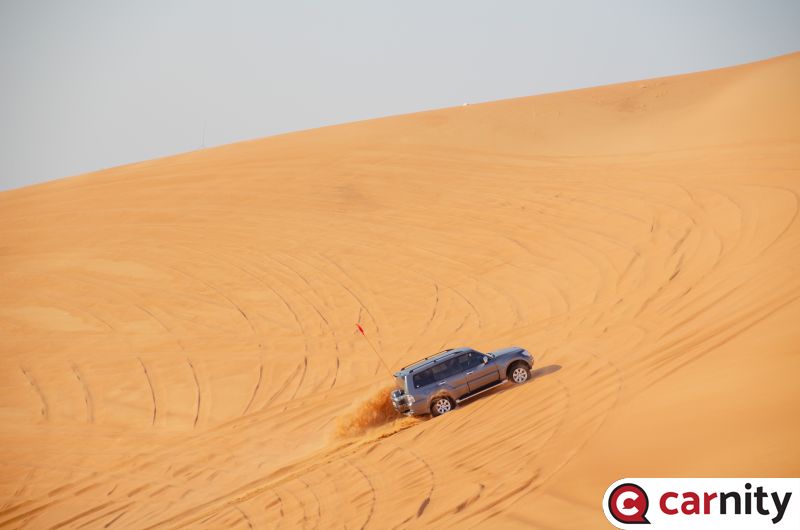
  1. Congratulations @Pavel Pashkovskiy on your your promotion.
  2. @FERNANDO SYRIO, @Patrick, @Parliament, @Juan R, @Gautam Banka, @Mohit Gurnani, @Hugo, @george charbel, @Cristian and @Imteeaz, @Kailas & @Islam Soliman Thank you all for joining the drive. Here are the brief details for you to prepare for tomorrow afternoon's drive. Estimated Start Time: 3:00 pm Estimated Finish Time: 7:00 p.m. Meeting Point: Lisaili Estimated End Point: Quadra Roundabout Nearest Filling Station: EPPCO 50, E66 Radio Channel: Channel 2 (446.031) Convoy Order:
  3. I find soft tool bags a lot useful to store things in the vehicle. They are much more easy to carry plus you can place theM anywhere and they won’t move much and they don’t break. In my current setup I have a trolly tool bag containing random stuff + Amazon Basics backpack tool bag with actual tools + Ace Tool bag with kinetic rope and 3 piece shovel. All of this goes behind the bench seat if my Jeep and there isn’t any space for them to move from there. Silver lining of the puny trunk of a 2 door Jeep JL.

  4. I drive in the desert for the Dopamine rush - but this one is for Adrenaline. Charging my Insta360 for some cool vids after many months for this one. #instaboi
  5. I bought a 4-way hose, but I don't use it. All things being equal it takes more time to set up the 4-way hose and to pack it back than a single hose. Plus, I have a bluetooth module and when a tire is full, I switch off the compressor (just a soft switch off) and change the hose from tire to tire - this gives the compressor a few mins to cool down. Having said that - I would encourage you to go ahead with the project, as it is worth doing for the experience irrespective of all other factors and wishing you all the best.
  6. Looks like CalTopo also does the same thing that Gaia GPS does exports/imports a bunch of tracks as indiviudal objects and does not merge them as One Continuous Track. Today I had to merge 10 differnt tracks so I imported them and exported them back. But when I re-imported into CalTopo; it imported the combined file as ten different objects and not as a single object - was I doing something wrong? On a side note; I like the fact that CaTopo shows the individual track names on the map. It would be easy when viewing tracks on the maps. In Gaia I hate that I don't know what track I am looking at.
  7. Wishing you a very happy birthday Sri.
  8. Updated Track Point data with following: The track point data is contained between <trkseg> and </trkseg>. Each track point is consist of Latitude (lat), Longitude (lon), Elevation (ele) and date and time of recording. Time is mentioned in the file is GPS time which is almost same as UTC. The latitude and longitude is described in Decimal Degrees.
  9. Gaia GPS does not combine tracks when exported as folder; it exports the tracks inside the folder and when imported, the folder with its individual tracks are put back again. Today has been full of tasks that failed successfully.
  10. Congratulations @Marketa Dobesova on your promotion m.
  11. I am an accountant by profession with MIS and Financial Reporting specialization. Excel is my bread and butter. While I use a little bit of VBA code in a few spreadsheets; I don't really understand how it does what it does. I am generally as amused as the next person who is in awe of my spreadsheets lol. But I do, however, use Chat GPT. to help me with some documents in the regular work (e.g. corporate secretarial work, drafting agreements etc.) and it does a fair job. It prepares the initial draft for me to build up on.
  12. I think if we put 2 tracks in Gaia in a folder an export even that will perhaps do the trick.
  13. Disclaimer: I don't know how to code or what it means. I just recognize patterns and go from there. I was trying to merge a couple of tracks into one and in my research found the following that might be useful if anyone wants to try. GPX files that you have which are recordings of GPS tracks are basically *.xml files that you can open on Notepad app or any text editor on your computer. Some apps do a better job than Gaia in structuring the file. Gaia GPS is just a bunch of code dumped into a *.gpx file. Here I have tried to separate them for easy reference. There are 3 parts to the GPX file 1. Start: The initial header data such as how it was created, the name of the track, description if any, color of the track etc. <?xml version="1.0" ?> <gpx xmlns="http://www.topografix.com/GPX/1/1" creator="GaiaGPS" version="1.1" xmlns:xsi="http://www.w3.org/2001/XMLSchema-instance" xsi:schemaLocation="http://www.topografix.com/GPX/1/1 http://www.topografix.com/GPX/1/1/gpx.xsd"> <trk> <name> IM0148A, Al Quaa, Abu Dhabi - Gaurav Soni </name> <desc> this file is combined from Gaurav Soni recordings </desc> <extensions> <line xmlns="http://www.topografix.com/GPX/gpx_style/0/2"> <color> 00B2FF </color> </line> </extensions> <trkseg> <trkpt lat="23.477482" lon="55.217087"><ele>115.0</ele><time>2022-11-12T05:08:11Z</time></trkpt> <trkpt lat="23.477484" lon="55.217087"><ele>115.0</ele><time>2022-11-12T05:08:20Z</time></trkpt> 2. Track Point Data: for every second or so the Gaia or any other recording app will make an entry in to the record. The track point data is contained between <trkseg> and </trkseg>. Each track point is consist of Latitude (lat), Longitude (lon), Elevation (ele) and date and time of recording. Time is mentioned in the file is GPS time which is almost same as UTC. The latitude and longitude is described in Decimal Degrees. <trkpt lat="23.477482" lon="55.217087"><ele>115.0</ele><time>2022-11-12T05:08:11Z</time></trkpt> <trkpt lat="23.477484" lon="55.217087"><ele>115.0</ele><time>2022-11-12T05:08:20Z</time></trkpt> <trkpt lat="23.477482" lon="55.217091"><ele>115.0</ele><time>2022-11-12T05:08:21Z</time></trkpt> 3. End: Towards the end the file is closed <trkpt lat="23.40979" lon="55.358162"><ele>123.0</ele><time>2022-11-12T12:01:20Z</time></trkpt> <trkpt lat="23.409809" lon="55.358177"><ele>125.0</ele><time>2022-11-12T12:01:26Z</time></trkpt> </trkseg> </trk> </gpx> Note: I have kept 2 rows of Track Point data in both Start and End for referance only How to Combine: Say you have 3 tracks then export them to desktop in *.gpx files format. You have to keep the start point and track point data and delete the ending of the file that starts at </trkseg> copy the text into a new text file and save it with extension *.gpx For the middle track copy the Track Point Data. and paste it in the new file you do not need the start or end portions of this file. For the last track, copy the Track Point Data and End data, and now you can save the new file and import that to Gaia GPS to see a new combined file. It will be imported into a new folder in Gaia. My referance Files: Combined File (I even changed the color, name and description while creating the combined file on the desktop) Track1 Track2 PS: Personally, I wouldn't stop recording till the drive is completed, meh! that's just me.
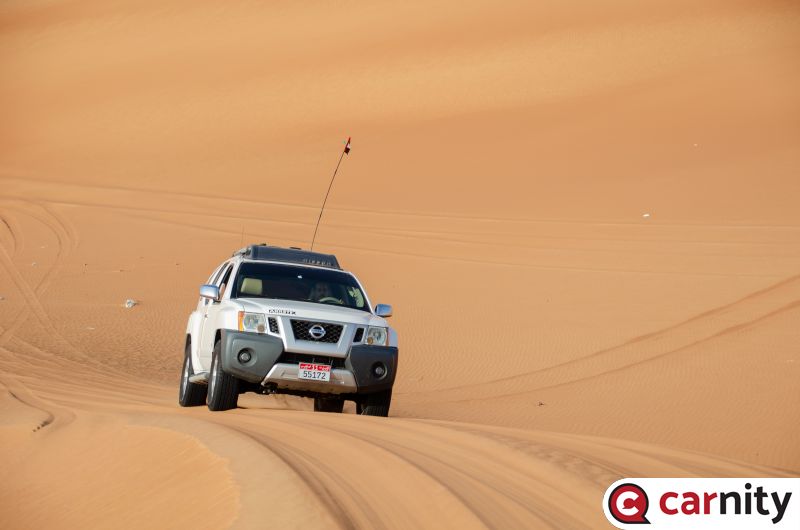
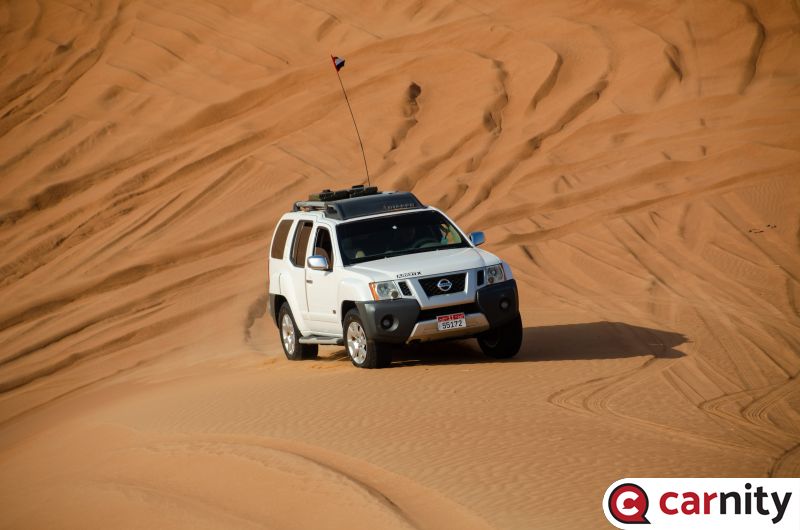
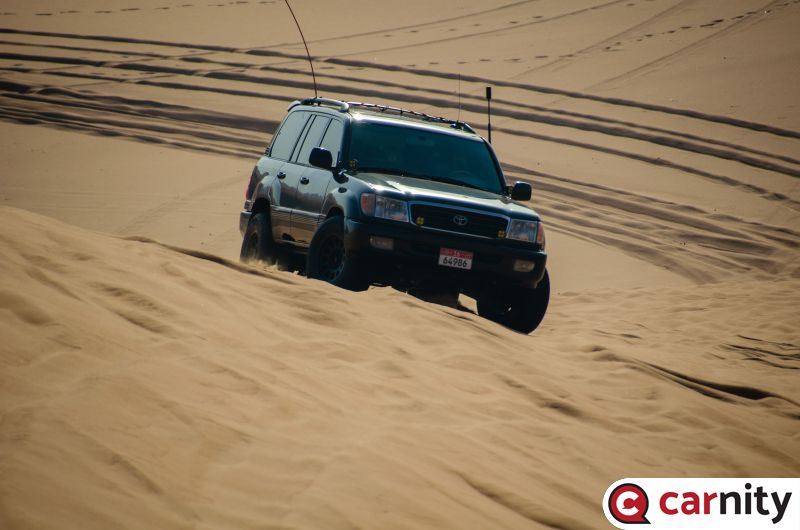
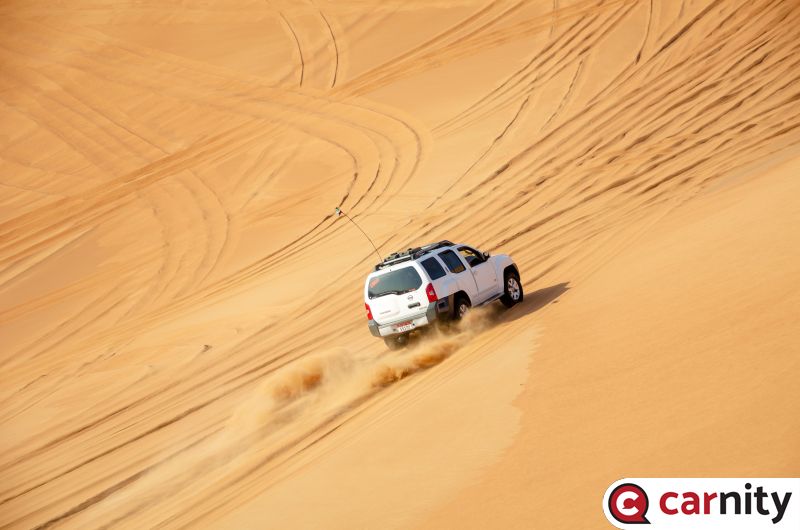
  14. Drive Report: We started slightly later than usual, waiting for some later comers. I had planned to enter desert a bit down the line but couldn't sustain the temptation as soon as I could enter the dunes. The early entry meant that we met some very tall but soft dunes. We played on some long dunes in Faqaa area and then took one of many Sabkha to move towards Little Sweihan. After a brief drive though the large Sabkha, we entered some mildly technical areas and continued though some technical as well as smaller Sabkhas. Soon we reached Little Sweihan and started discovering all that it has to offer. At about 10 am we were ready to exit but were on the wrong side of Solar Park. The typical thing to do was to exit on E14, but I was not done yet. So, after a quick vote we decided to cross Little Sweihan towards Solar Park and exit. We completed the drive at the Innovation Center about 11:15 am. I could not have done what I did without the tremendous team I had on the convoy and excellent support from @GauravSoni and @Stumpy Paj @Gautam Bankaa: You did well for your first Fewbie drive on this kind of terrain. @Parliament: I know it was a successful drive, when I saw you after the drive. I hope you enjoyed it as much as I did. @Bravoecho: I guess it is finally time to upgrade the shoes. Just remember to rotate all tires this time. I would recommend you check out Michelin LTX AT2 tires. Have heard good feedback on them. @Adam James: I hope you had good practice after a long break, and you dusted off your off-road driving skills. I hope you had a good practice with the fabled A Trac system on your FJ. @Stumpy Paj: Thank you very much for being at the sweep and making sure we are all in good running order. Your quick instructions on the recoveries at the back were a boon. We did a decent kms in the desert, even excluding about 20-25 kms in the Sabkhas. Most of the stopped time came at the beginning of the drive where we had our first refusal and the pop-out. After that the other refusals were taken care of quite quickly.
  15. @Mohit Gurnani, @Gautam Banka, @Parliament, @Bravoecho, @Adam James, @Stumpy Paj and @GauravSoni Here's the plan for the morning. Meeting time: 6:00 AM Meeting Point: Faqa Fuel Station: Emarat- Grayteesah Radio Channel: 2 (446.031) Convoy Order:
  16. @Bravoecho, @Stumpy Paj, @rohit kumar, @Juan R, @Adam James, @Gautam Banka, @Mohit Gurnani, @Parliament and @Anoop Nair also @DP1011 and @GauravSoni Thank you very much for joining this drive. The plan of action will be start the drive at Faqaa and go towards Solar Park 🙄 obviously as the title of the drive post suggests - we will be playing in the Seif Dunes at Faqaa, after that we will cross a Sabkha to reach near what we call in our Club "Little Sweihan". We will find some manageable Barchanoid Dunes to play before we exit. Please double check your calendar, make good excuses if necessary if you have any commitments that you are trying to ignore and be ready. Please do confirm your availability by tomorrow afternoon to plan the convoy. We will publish the Convoy order Friday evening.
×
×
  • Create New...

Important Information

Terms of use