
Leaderboard

.thumb.jpg.6e09bd45400dcfe48d117dedaf09f025.jpg)
Popular Content
Showing content with the highest reputation on 10/06/2024 in Posts
-
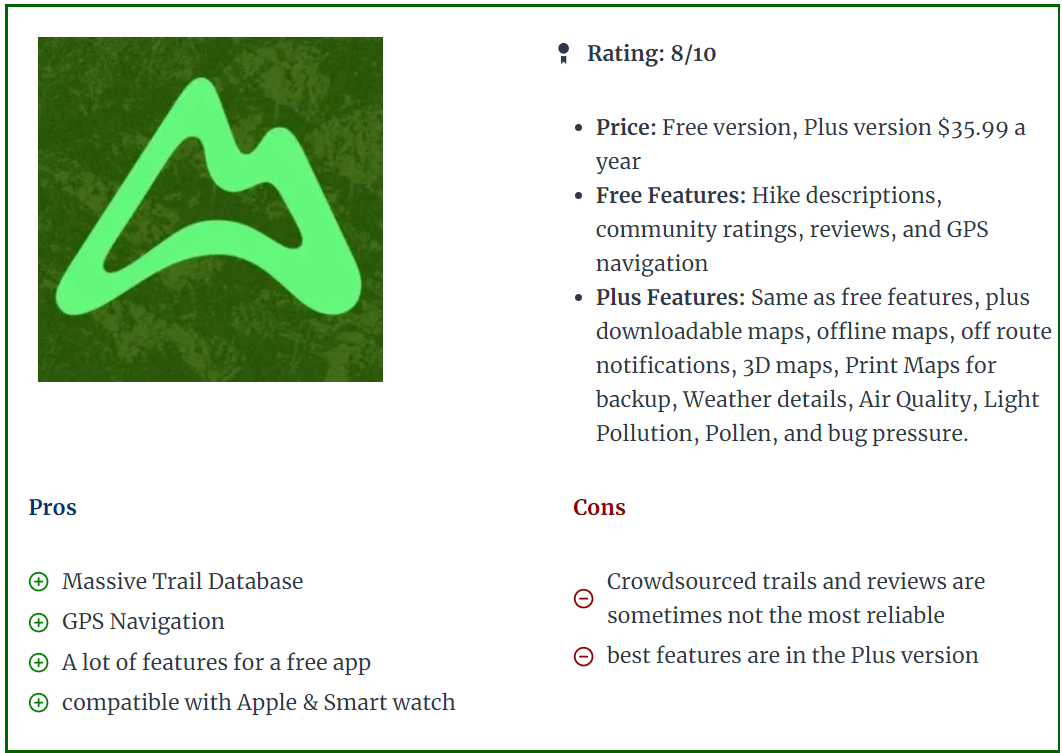
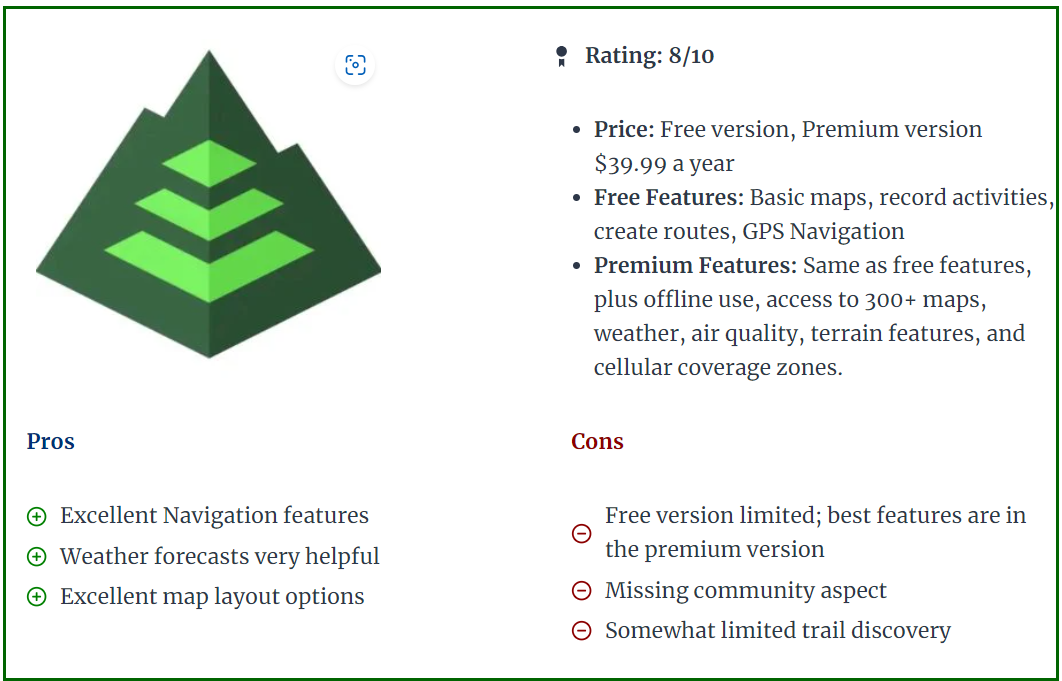
Finding our way in the desert probably was never easier than it is today. All of us have a phone with GPS signal and with a simple click on Google Maps we can see where we exactly are in the desert. In below topic we will compare some of the most known GPS applications and devices. Of course there are probably hundreds of apps on the market, but we will focus on the apps often used by off-roaders and particularly in this part of the world (Middle East). It is important to divide GPS apps into different uses, based on the type of off-roader you are. 1. Record the track you have done with the club. Can be done with most GPS apps free of cost (GaiaGPS, Gurumaps, Alltrails, etc..). In the free apps you might be restricted to Topo maps only, not satellite imagery. Offline download of the maps will not be possible. 2. Find tracks uploaded by others and follow them. Once you have some off-road experience and you recorded some tracks, it might be interesting to find trails that others have posted or uploaded. The community approach of Wikiloc, Trailforks, or Alltrails is perfect for this. 3. Create your own maps, routes. This part is more for people who lead drives or want to create their own overlanding routes. It will be important to have access to good map layers like satellite imagery or topographic maps, or POI (points of interest) so you can trace a route of where you are planning to go. This kind of planning will need to be done on a laptop or computer. You can use Caltopo, GaiaGPS, or even Basecamp. Advantage of Basecamp is it's a standalone windows program that does not need an internet connection. Disadvantage is the limited amount of maps you can use (satellite imagery only possible if you have a Garmin device with Birdview license). I personally prefer Caltopo as my planning program and then export to my mobile app. Google Maps (Phone and Website) While Google Maps is good for basic use, it lacks recording possibilities, so it does not provide an option to record your tracks and re-visit them for later use. You can add some waypoints and save them in the application, but as most of this requires a data or wifi connection to work properly, Google Maps is not ideal for navigating in the desert. It allows for downloading some offline maps, but even this is a temporary function (30 days from what i could remember). The positive points of Google Maps are the fantastic satellite imagery, and the POI (points of interest) which allows you to find nearby gas stations, lodging, etc.. and also provides the well-known turn-to-turn guidance. I think most of us use Google Maps or Waze for daily navigation in the city and we cannot miss it anymore. Garmin GPS devices (standalone - Desktop Functionality through Garmin BaseCamp. Even before Google Maps arrived, Garmin was the king of GPS and navigation devices but has lost lots of market share with the advent of phones and apps. For that reason, they jumped into the world of fitness apps and smart fitness watches. Devices like the Garmin 276C, launched in 2004, are legendary for all kinds of offroad navigation (marine, aviation, 4x4), allowing overlanders to store thousands of tracks and waypoints, and the 276C was known for being big but super reliable. In 2016 Garmin relaunched a facelift model called the 276cx, but in the meantime there were other models like the Montana series, or the Overlander model that offered similar features but now included touch screen features, while the 276cx remained a push button model. Of course it depends on the type of use, as bikers and boats might prefer the simple push buttons over a touch screen that will act up when it gets wet. The main advantages of dedicated GPS devices like Garmin are the screen quality (much less glare), reliability, and in most cases also accuracy is slightly better than a phone. Furthermore, it allows you to keep your phone for other purposes like preserving your battery in case you need to take calls. Their devices can take a serious beating, are often waterproof, and remain the preferred choice for hikers and adventurers that don't want to rely on a flimsy phone. The Garmin devices are also still popular with people who go overlanding across different countries, as all the maps are stored in the memory so there is no need for a data connection. Rather than buying the maps from Garmin, most people head over to Opentopomap or Openstreetmaps to download free and regularly updated Topo and DEM maps. (Digital Elevation Terrain Model - offering shaded relief). Tip: The Shaded Relief layer functionality is brilliant to find the bigger dunes and bowls They also offer satellite imagery by means of the Birdview satellite Subscription which used to be quite expensive, but seems to be released now as a free option. At least on my devices it shows as "valid until 2038". Birdview is not as crisp as Google Maps but is definitely not bad. The main disadvantage is the user interfacing and complexity of use. Garmin devices mostly have an older classic style of user interface (except for maybe the overlander model), while apps on phones became much easier to use. Secondly, Garmin really struggles to club together the different devices over the years into a centralized platform. Sure, you can connect your device with a cable to Garmin Basecamp on your laptop and this works fine, but wireless transfer of a GPX track to your phone works via the apps Garmin Explore or Garmin Connect, depending on which model. And on some older models like the 276cx you can use the Connect app, but you cannot export the track to GPX into your phone. All of this is for novice users a steep learning curve, and on top of that the devices are not cheap. If you like to venture into different countries and you want to have a dedicated device that contains all your maps and waypoints, then Garmin could still be a good fit. But as you will see further below in the phone apps, there are similar options. (keeping a dedicated phone that has an app with offline maps downloaded onto them). Garmin Basecamp desktop software, however old it is, remains a fantastic piece of kit for planning trips. What might be confusing to new users is the different ways of how Garmin considers tracks or routes or activities. Creating a route will put marker flags along the way so you cannot consider this is being an actual track. You can however convert a route into a track to overcome the limitations of a route. An activity is a recording that was made, like a hike, or an offroad drive. All in all Garmins is quite confusing in this aspect in comparison with the GPS apps. Gaia GPS (Phone and Website) GaiaGPS is an app that runs on your iphone or Android, and has been the market leader for offroad navigation via apps. There are plenty of Youtube videos that explains the functionality, and most of us in the club are using it. I found it by coincidence in 2019 and was then still using MotionX, that got discontinued eventually so if shifted entirely to GaiaGPS. Pros: - Fantastic amount and quality of built-in maps. For example, the one called "Sattelite with labels" which enables you to find trails (dotted lines). This alone has helped me tremendously to create routes for longer drives (scenic / overlanding). You can also add custom maps like Google Hybrid, Terrain, or Maps by having a look in my above post "Gaia GPS for beginners". - Great user interface, easy to learn. - Planning a route via the website works great, with snap-on routing that works flawlessly. - Offline download of your maps on your phone. - All tracks and waypoints are saved and synced across your devices and your account in the cloud. - You can enable a layer called "Public Tracks" which allows you to see tracks uploaded by other users. Great function to find new tracks ! Cons: - Number of updates over the last year has reduced the reliability. A few times i was automatically logged out of my account on my standalone phone without any reason. This is unacceptable when being somewhere in a remote place. - Syncing is sometimes slow and buggy. - Folder and organizing of tracks is not great. It's also quite slow to manage hundreds of tracks and thousands of waypoints via the website interface. A standalone desktop program would be fantastic and probably much faster. - Price has been steadily increasing over the years since Outside+ has taken over the ownership. - Route planning for draft or different projects is difficult. Sometimes i like to create a complete route with different waypoints where i don't want to keep this for later use. With GaiaGPS you are essentially always working within the same map (unlike Caltopo). Caltopo (Phone and Website) CalTopo - A Backcountry Mapping and Navigation Essential I found Caltopo as there has been a lot of discussion in the Gaiagps and Reddit forums of several users (hikers and offroaders) that moved over to Caltopo. I decided in 2022 to give it a try and it became my main app to plan routes (via the website). The main reason is that it allows you to work on different maps. So for example when i want to create an overlanding route through UAE, i can create a map called "UAE" and put all my routing and waypoint in there. I save it as a separate project and that way it does not clog up my other maps. Quite differently from Gaiagps but i really like this functionality. Secondly, the website works super fast ( no java-style like Gaia website), and it allows for quickly deleting tracks or waypoints without running through different web pages. I all looks a bit more dated but you get speed in return It also allows to create custom map layers, for example you can use the Google Sattelite image with a different layer. Currently i have a layer of ESRI sattelite footage with an overlay of Google Maps. It also offers a fantastic Shaded Relief layer, like described in Garmin above as well. The mobile app however is not yet where it should be in my opinion. It works less intuitively in comparison with GaiaGPS. Icons are smaller, and even though there are similarities, GaiaGPS offers a better user interfacing in general. The general consensus with many hikers and offroaders is that they use Caltopo website for planning their trips, and then import it in Gaiagps mobile app while on the hike/road. I do this as well quite often. There are different subscription levels, but most go for the Pro version which goes for around 50USD per year (similar cost to Gaiagps). If you are a plot surveyor or professional hiker, then the most premium (100USD per year) will offer you a standalone desktop version with more complicated custom functionalities. One disadvantage i found is that due to copyrights, the mobile app allows for offline maps downloading, but only a selected few maps can be actually downloaded. This is a bit of a turnoff if you are planning to use it often abroad when you have no data. You can however download the sattelite imagery, but this one lacks the "labels" which Gaiagps offers in their "Sattelite with labels". Guru Maps (Phone) Guru Maps - OpenStreetMap Wiki After testing so many apps, i personally find GuruMaps as good or even better than GaiaGPS. What i personally like most is the smooth flowing map when you are driving. While other apps have a kind of a stutter effect whenever the maps is shifting, Gurumaps doesn't have this issue. Unfortunately there is no website, so you will need to do your routeplanning on Caltopo or GaiaGPS and then export your route into Gurumaps. The interface is very user friendly and simple. Within minutes i found myself using the maps without having to scratch my head on where i could start recording or browse through my collection. The tracks you record can have a multicolor scheme based on speed or elevation. This is a very nice feature. For 22.5USD per year this works great for novice users. Disadvantage is the limitations in offline maps: it does not allow you to download imagery, only street and topo maps. This is a big disadvantage in my opinion, but probably explains the lower subscription cost. With Guru Maps Pro you can however import custom maps in MBtiles format. I've been experimenting with QGIS desktop software and now i am running GuruMaps with a Google Hybrid imagery offline downloaded layer! All Trails (Phone and Website) Alltrails is available for 36USD per year and offers a very user-friendly interface. It offers a view into nearby hikes or trails posted by others, so it has a bigger social functionality. I have not used the website and route creation function yet, but i think Alltrails is definitely a good option to consider using. It also allows for offline map downloading, and plenty of people in our club use it as well for the ease of use. To me, the website looks similar to Wikiloc, which allows you to find uploaded trails done by others. It does however not offer route-planning. Wikiloc (Phone and Website) The main focus of Wikiloc is finding trails posted by others (via the website), and by using the mobile app you can follow those same trails. Perfect for hiking. Outside+, the company that owns GaiaGPS offers something similar with Trailforks App. For off-roaders it can be used as well but lacks many functionalities. In my opinion it's a great platform to share your tracks on or download some interesting tracks that others have posted. That is the only functionality i am currently using it for. BackTrackMaps (Phone and Website) Backtrack: Maps for Backcountry Adventures. Very interesting desktop functionality when it comes to planning routes, and very similar to GaiaGPS. Also free to use for most of its functionality (30USD/YEAR for the PRO version) and even includes Mapbox Sattelite Imagery. Unfortunately, the mobile app only allows for "backtracking" your planned gpx routes, and does not allow recording your actual track. If this feature would be there, it would take a lot of Gaiagps customers away 2025 Update: Backtrackmaps has included Recording functionality.
 6 points
 -
Thank you @Luke K P for the perfect summary., and for sweeping the convoy. You were all excellent yesterday, and we were able to maintain a nice flow cruising these big dunes, making the drive very enjoyable for all. Great job from @Bjoern supporting the few refusals with accurate guidance. Well done @Carl Stanley for your first FB, you were directly pushed into a higher level. @Misha Puskar, @Martin M, nice way to come back after some time out of the sand. @Michael asir, your driving is accurate, very well done. @ChrisW you had the possibility to push the throttle, I'm sure you enjoyed it. @essam ibrahim, great improvement since our last drive together, happy to see that. @Ahmed Farouk @Zulfikhar Naiyar @Beide Worku, good to see you after a long time. @Aser thank you for the 2nd lead, adjusting my lines when needed See you all very soon !5 points
-
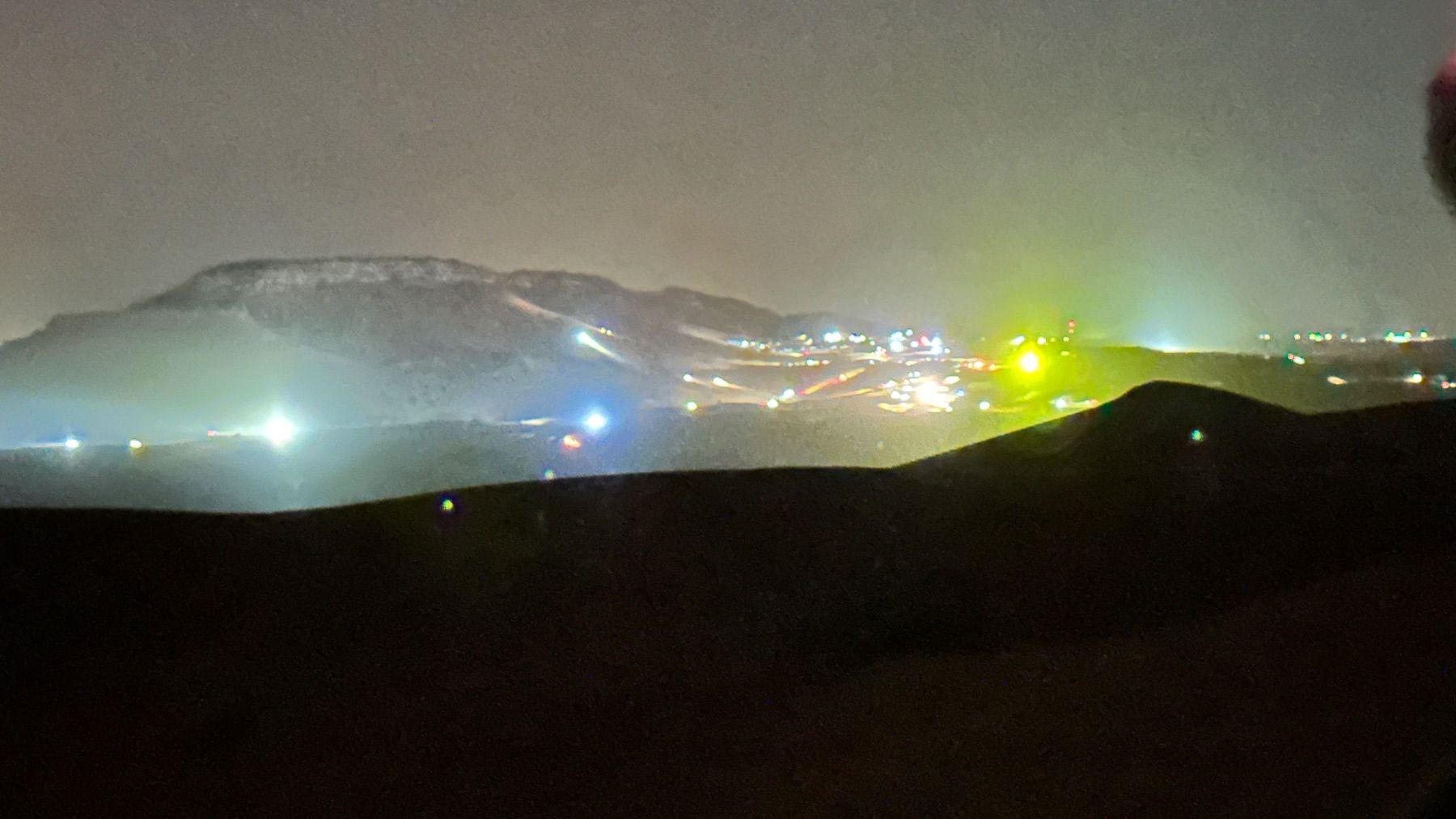
last night when we were camping; the noise kept us awake till 5 am.
 4 points
 -
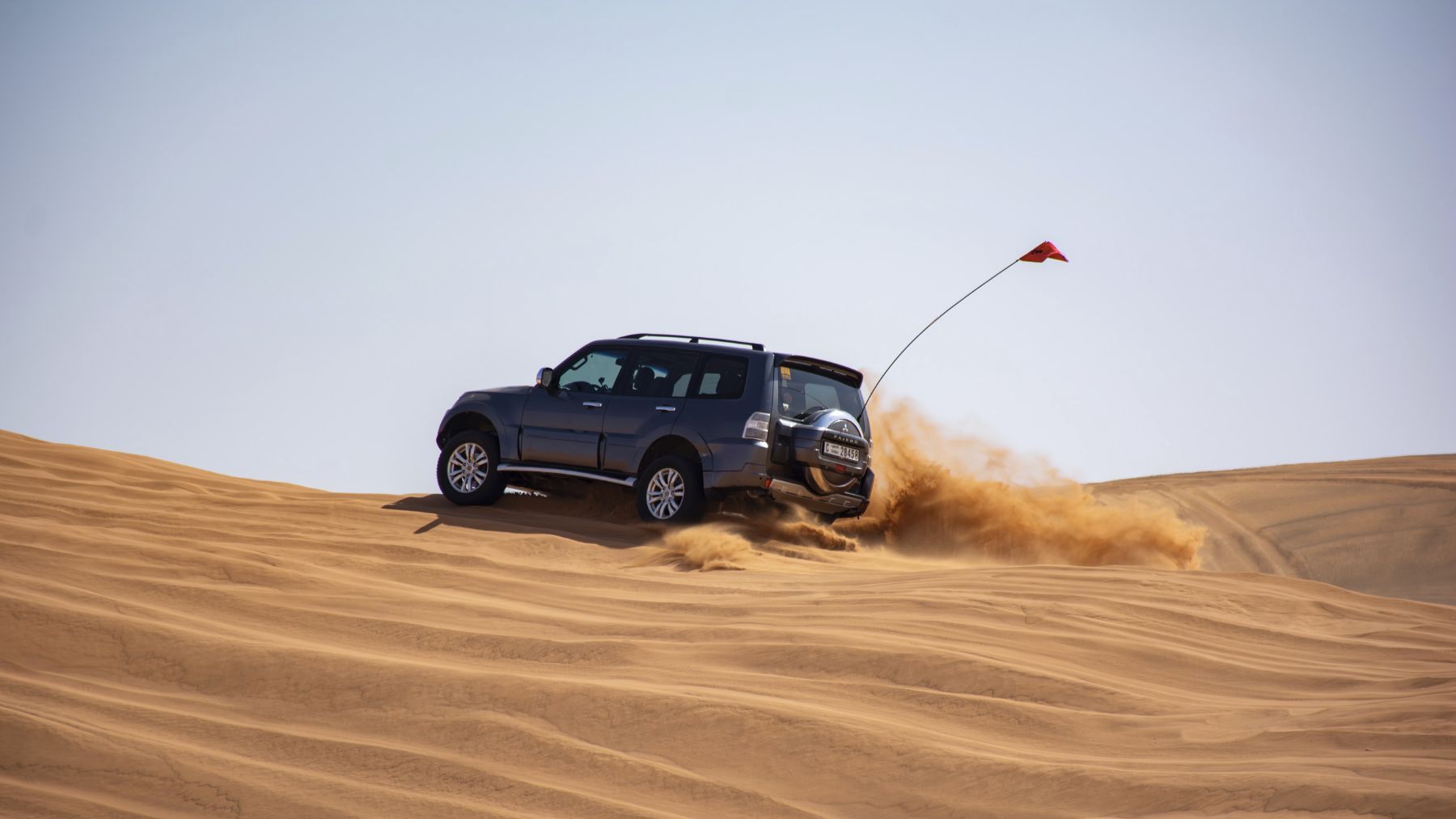
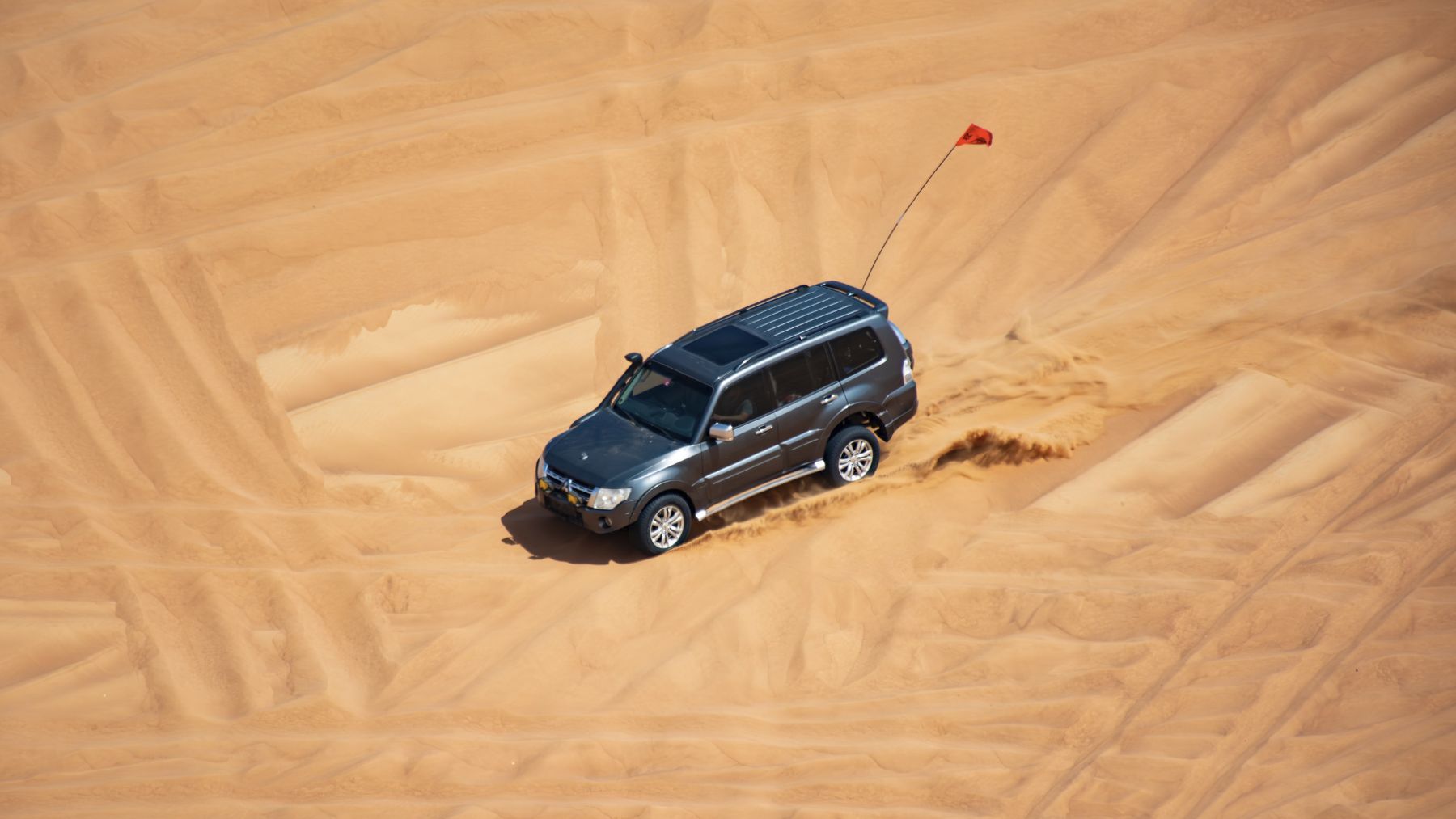
@Gaurav Soni thanks for the drive today! And thank you for recovering half of my flag Couple of snaps for you: @Andrew John Melvill, some of the most dramatic shots today are thanks to you:
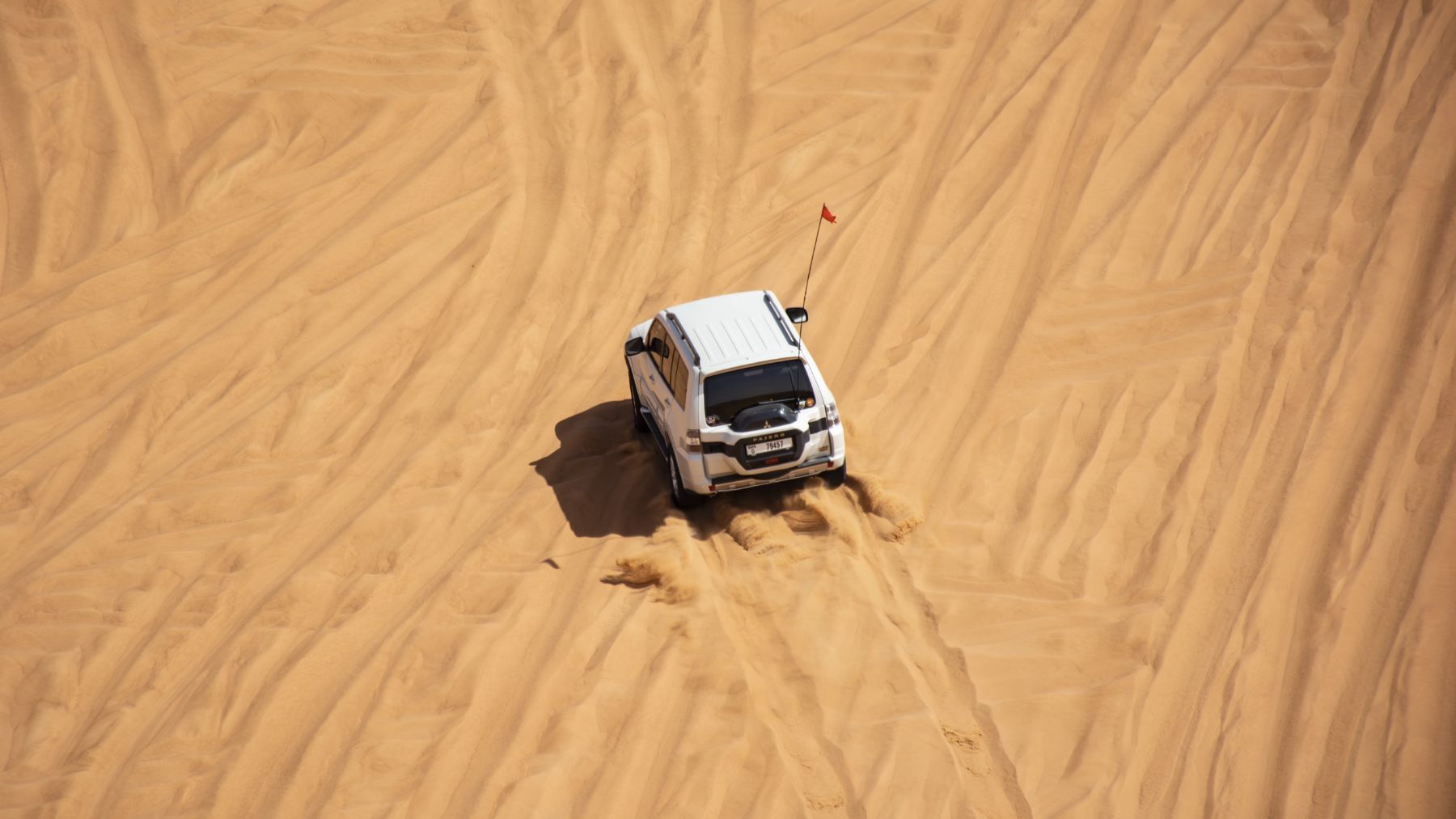
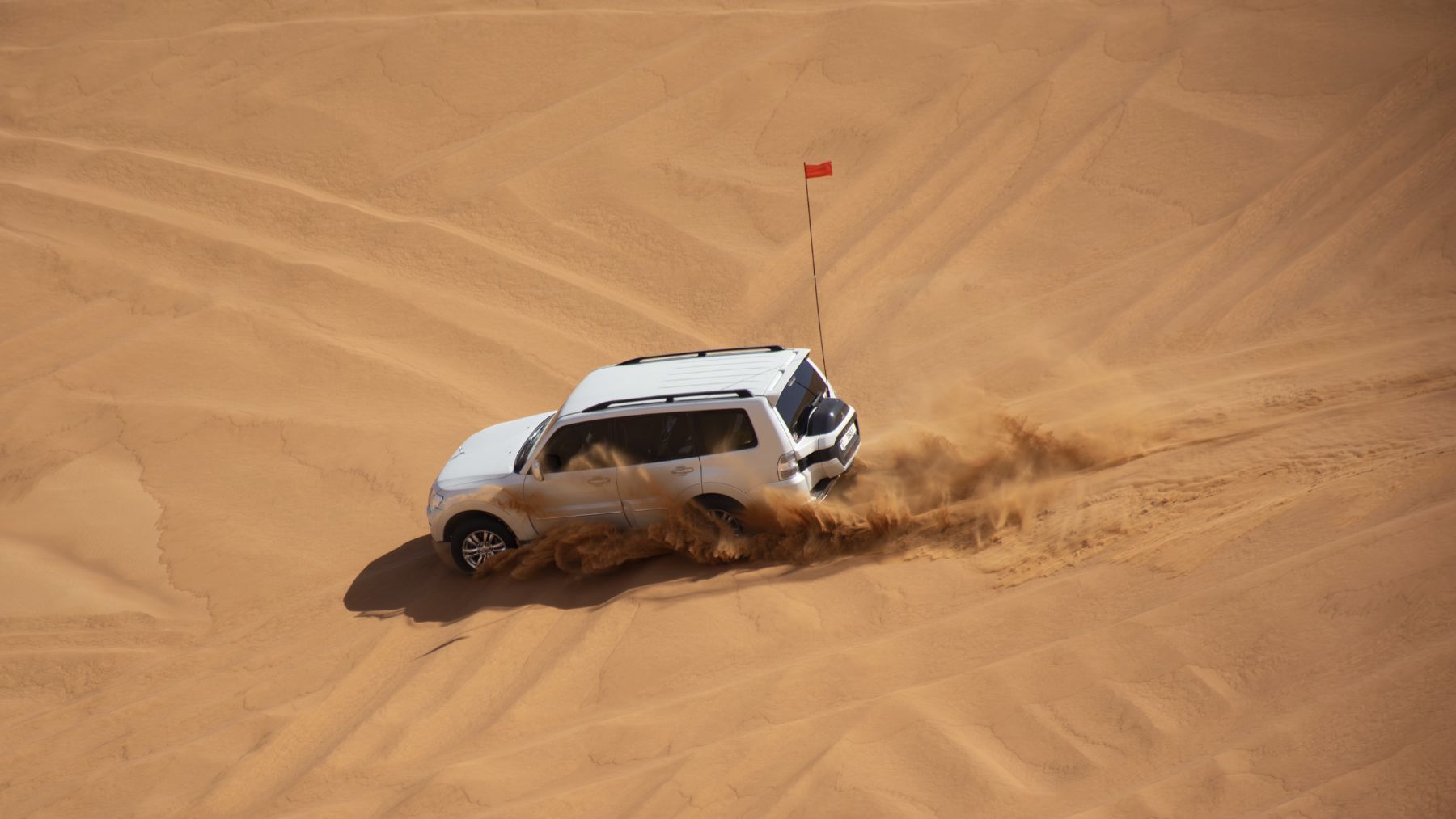
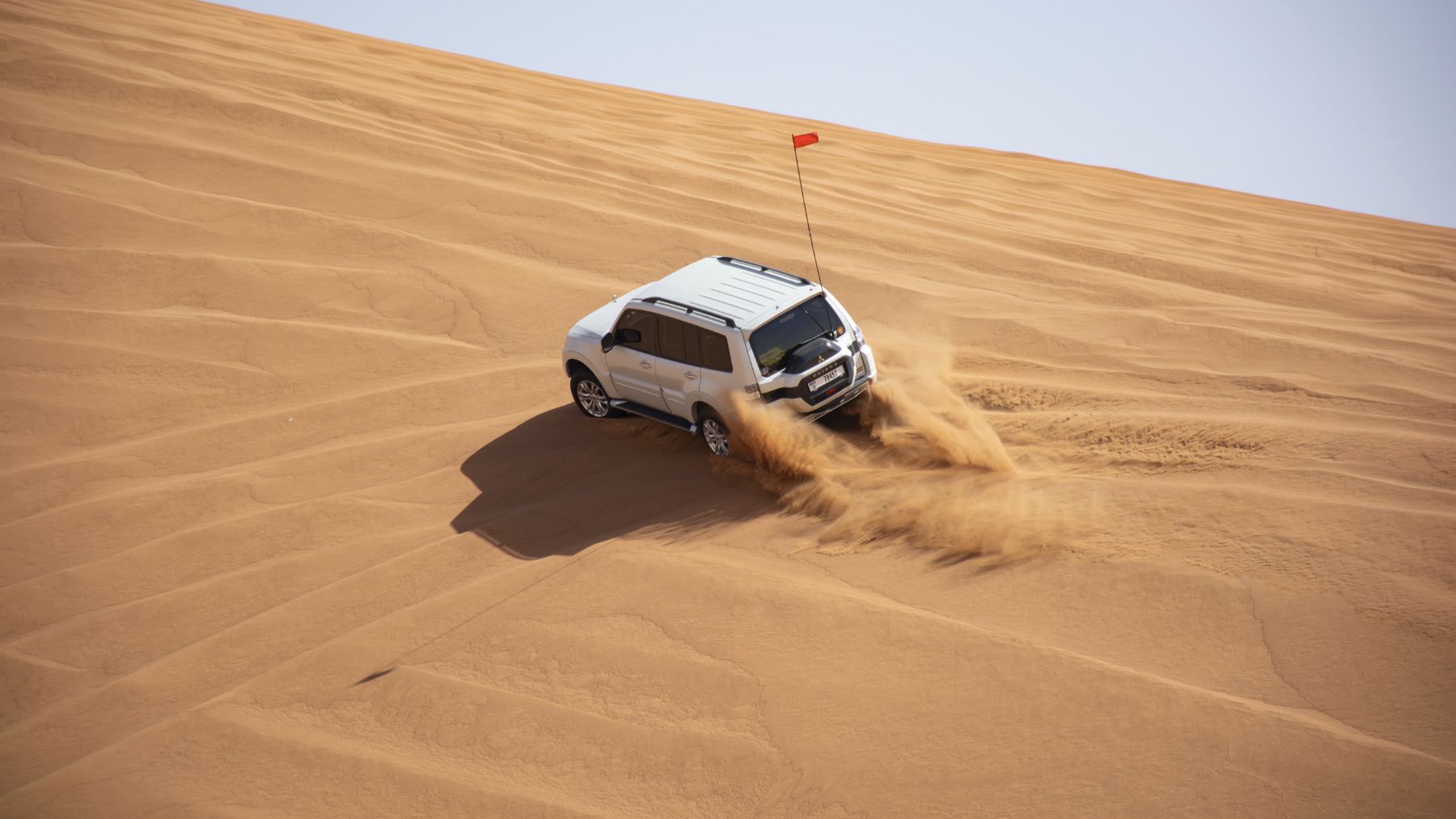 4 points
 -
Beautiful sunrise drive. Some really nice golden hues on the sand. The whole convoy kept moving smoothly while enjoy some of the sidies on the classic big dunes of Sweihan. We crossed paths with a few different convoys throughout the morning, and fun time seeing some of the lines they were taking. There was a couple of minor refusals but nothing a quick shovelling couldn't fix 💪thx @Bjoern! Once we arrived at Nagra we took a couple of new routes ( for me ) to climb the big dunes there and got to enjoy some fantastic views... And ended off our trip with some camels just hanging out nearby before exiting in Nahel. Great driving everyone! See you all again soon 💪4 points
-
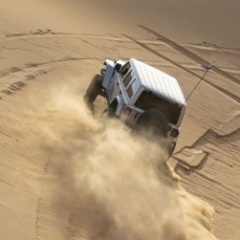
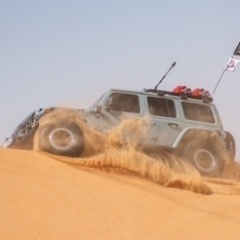
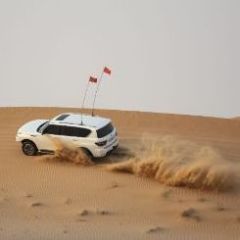
some lift off pics: @Shaun J @Tharun Kumar V, I see the front wheel in the air too! @Imteeaz also about to take off:
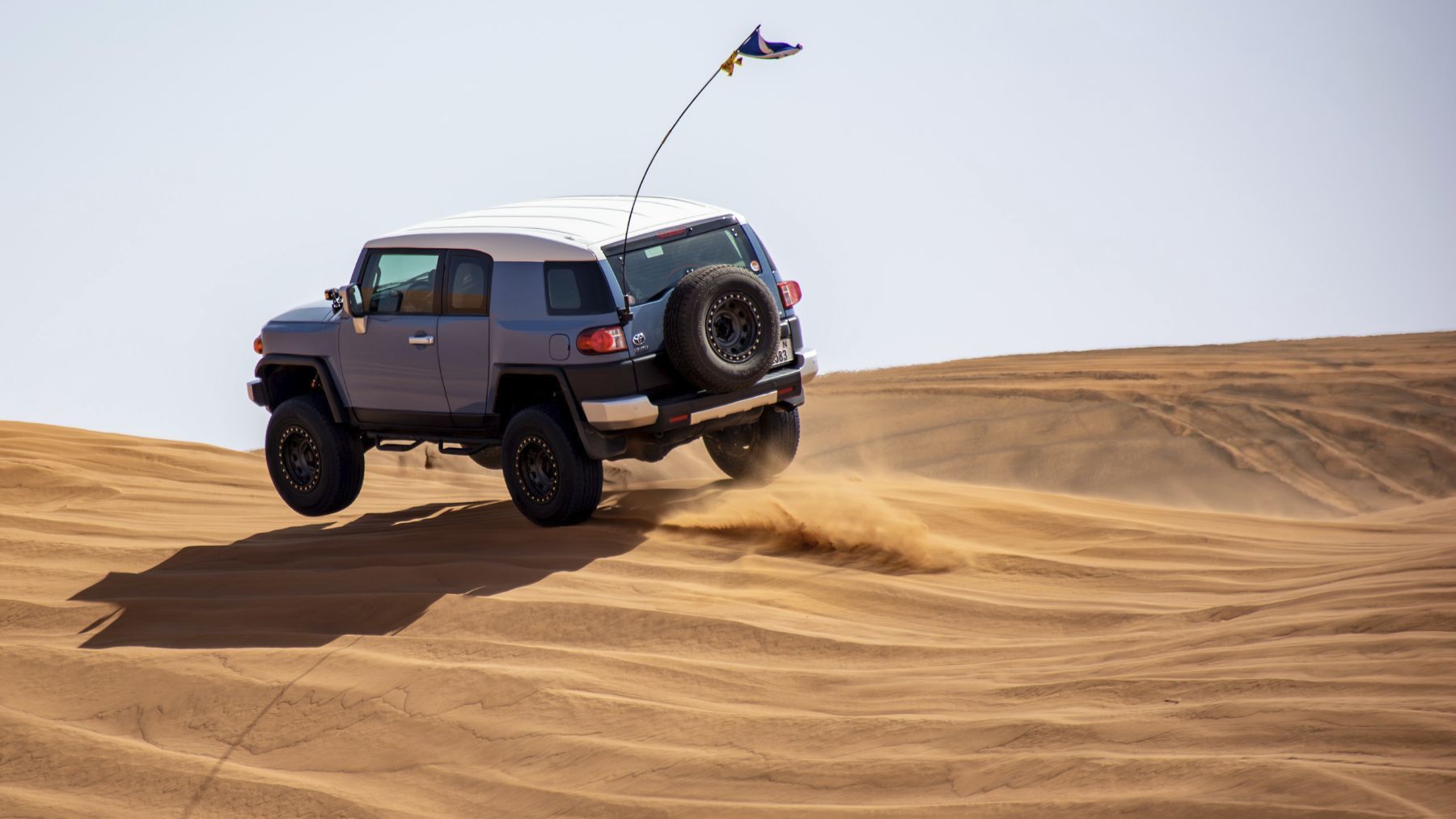
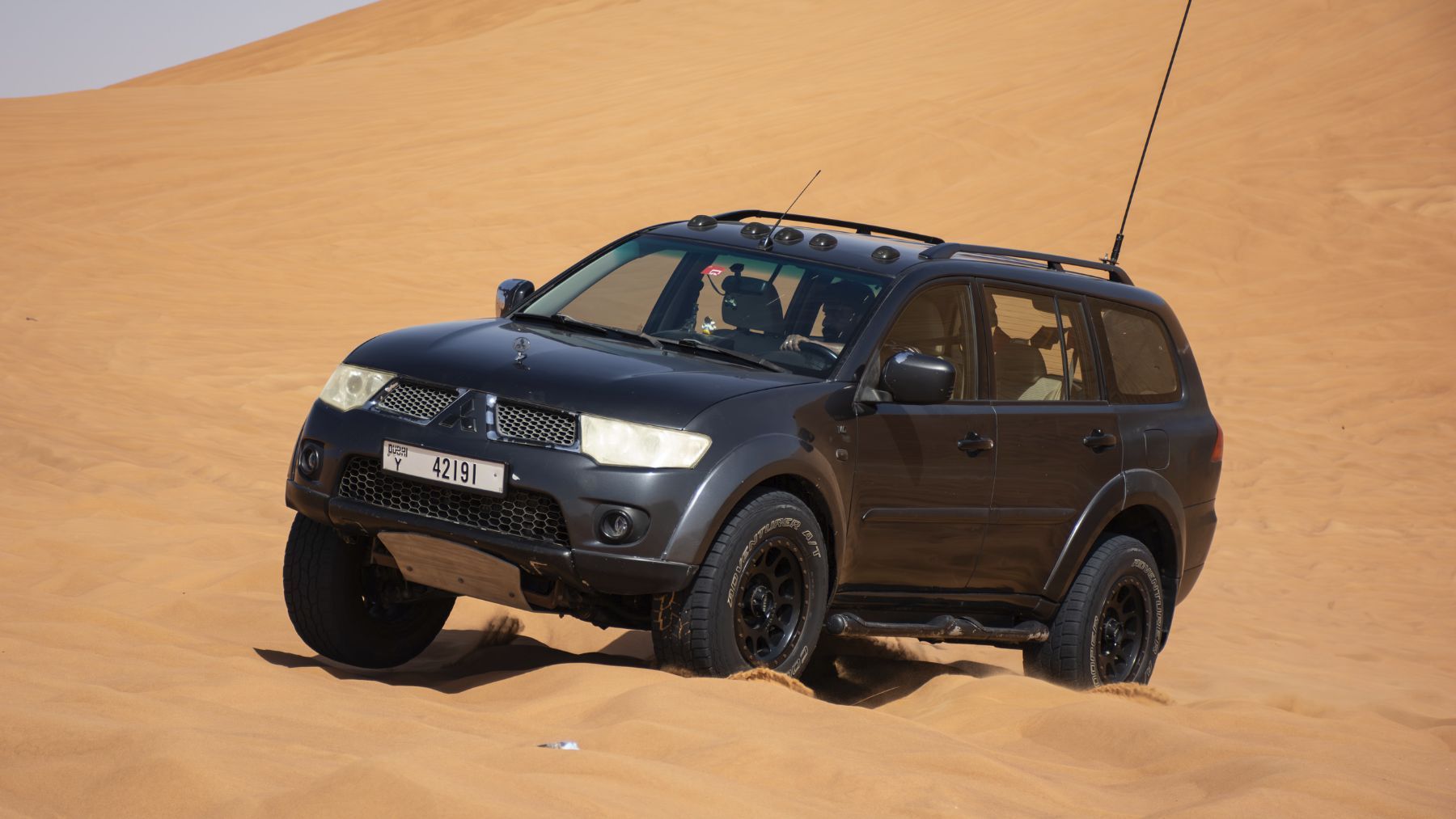
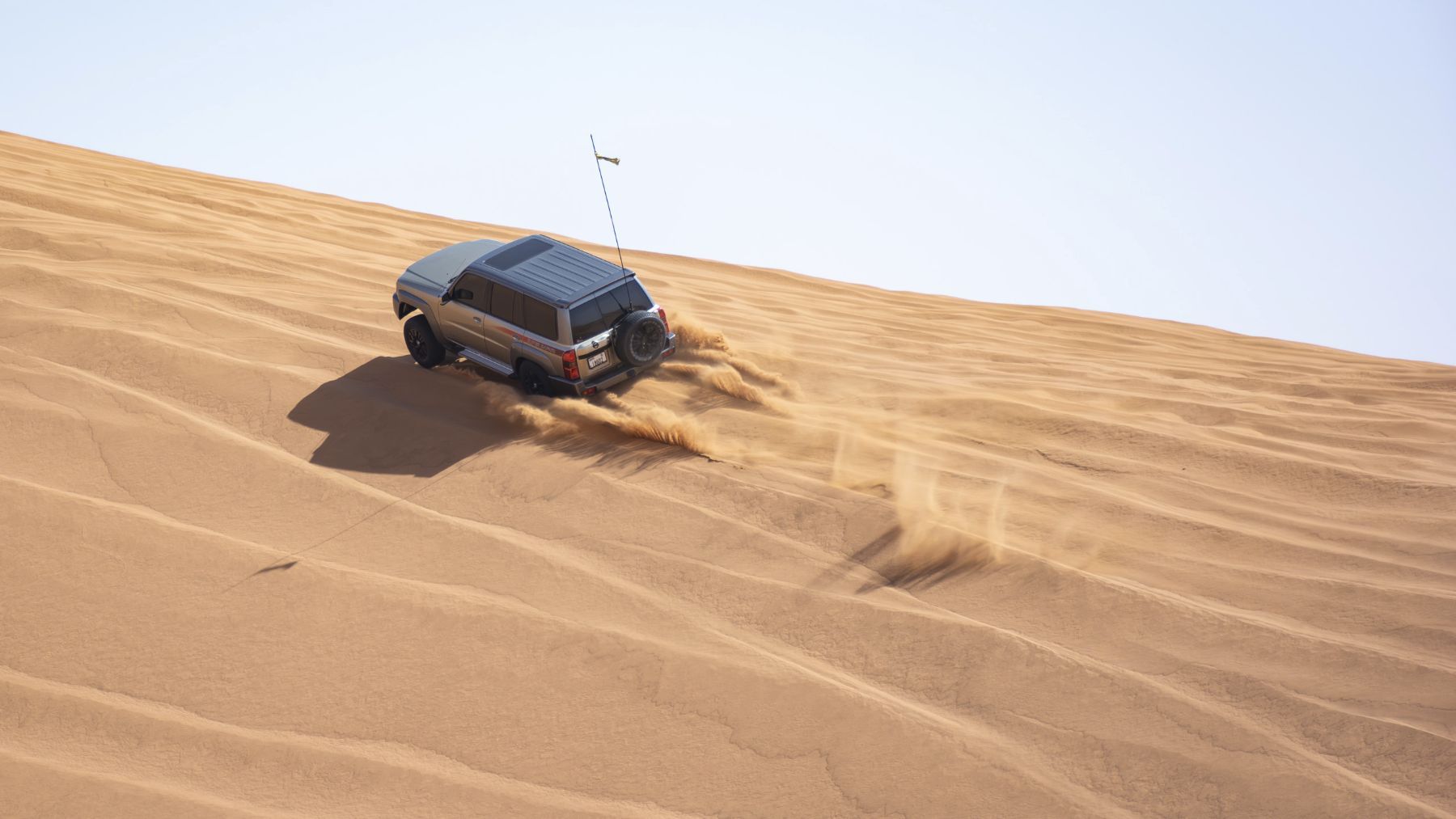 3 points
 -
@Emanuel, I took out the traction control module this drive and what a difference! I felt a lot more control! Thanks for the tip!3 points
-
Thanks @JeromeFJ, it was such a great introduction to Fewbie drives and what a location! Definitely worth the early start and long drive to the location. Looking forward to the next one!3 points
-
Thanks @Looper and @Gaurav Soni for the drive today. Was a real experience and you pushed us hard, yet no shovels and no ropes! Can't wait for DCT now!3 points
-
Thanks @Looperfor the drive this morning. Lots of technical areas and a few nice big dunes. Ended up being a longer drive than usual after the problem at Iftar Bowl but very enjoyable overall. Great driving from everyone and a good warm up for DCT See you all again soon!3 points
-
Good afternoon, It was really nice to have met all the new club members yesterday. Welcome to the Carnity off-roading club @Andreas Riis, @Jose Luis Campos, @Hetal, @Yurybel, @Sam_, @Arvindraj, @Abhishek Chikara, and @ALEX 0171. As already mentioned, you all drove really well in challenging terrain while learning about your vehicles and how they behave in different sand conditions. As @Davie Chase mentioned, my second support drive was nicely challenging to say the least. Thank you for giving me such great opportunities (and exercise) and rest assured, we have all be exactly where you ended up and will likely end up again sooner or later. Keep a positive attitude about your learning and staying safe, and you'll be just fine. One of my new learnings today was how to use a tire valve core removal tool to deflate my tires. I used to use Staun deflators but they are not accurate and I have had to use a tire pressure gauge to adjust down to the right pressure I wanted for that drive. Sometimes they let too much air out and I had to pull out the compressor to put some more air into the tire. This was one of my least favorite parts of our drives. Then I bought a four-way inflator hose system, which simplified my inflation process. The clip-on tire chuck makes it a dream to put onto the tire valves and the digital pressure gauge is handy and the system will balance the air between the tires when used correctly. Last year I started using the four-way hose for deflation. This was much better and pretty accurate to once you get used to it and after double checking the pressures with a tire pressure gauge you trust. The only hassle was having to pull out and connect up the four-way hose system twice for a drive. On this drive, I was determined to give the valve core removal process a try. I deflated 3 of my tires individually, which took time but I only was after trying the tool on 1 tire as an experiment. Making sure I didn't lose the valve core and with a spare handy, I removed the valve. In about a 30 count I put it back in. I was nearly at 12psi which is where I wanted to be. I kind of eyeballed the tire to estimate where I was at psi wise. Although apprehensive about this for a good while now, I'm sold. This process too is my go to method going forward. Wait... that isn't the end of this story!!! And what a coincidence. I was heading down to see how @Abhishek Chikara was making out with his deflation and he had just had one of his valve cores fly out from his rapid deflation tool and gauge. Guess who still had their tire valve core removal tool in their pocket... he wanted to learn how to use it so with a simple explanation he screwed it back in himself. Read this article for more detailed information and banter about tire deflation. https://carnity.com/forums/topic/13522-how-to-deflate-your-tyres/ Until next time, stay happy and healthy. Emanuel3 points
-
Thank you for another enjoyable drive, @JeromeFJ - action right from the first minute! Thank you as well to @Luke K P and @Bjoern for supporting - your patient guidance during my brief attempt at off-roading in 2H was most welcome! Have a good weekend all.3 points
-
thank you @JeromeFJ it was really fun to be back! Great route ☺️2 points
-
Thanks @Looper for organizing the drive and @Gaurav Soni for leading the second convoy. We had a great drive, although Badayer is now well and truly in its winter cross track state. Was good fun playing on the bowls after we hit the 9 waypoints and the early crossing over to the other side was a good shout. Thanks all for joining the convoy, was a great drive.2 points
-
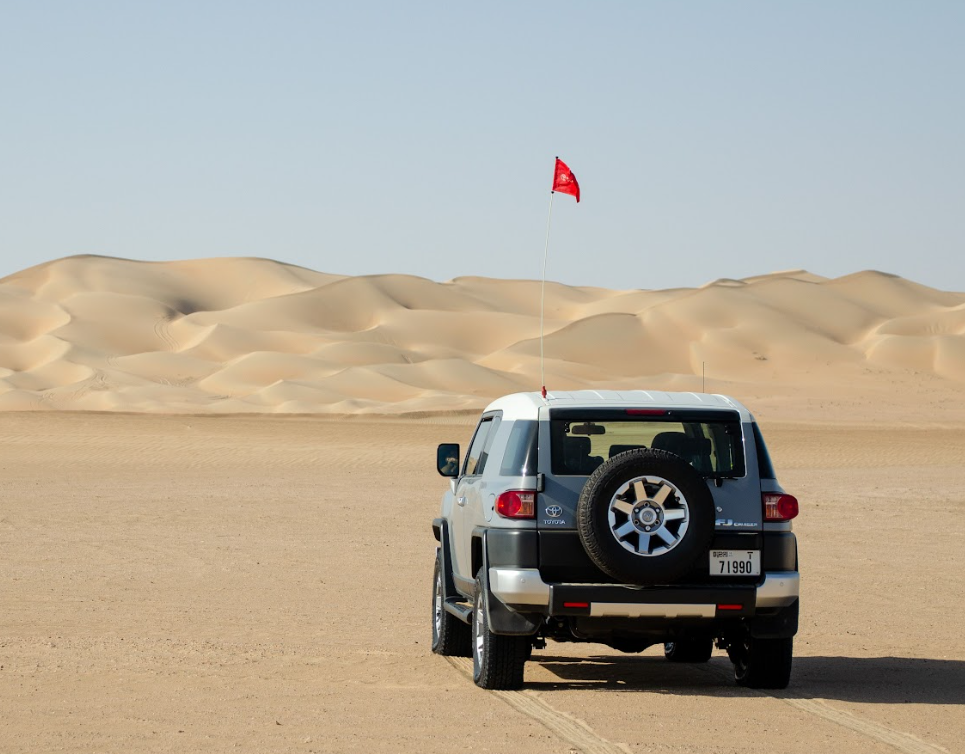
We are thrilled to announce the creation of Team Dune Navigators We’re gearing up for the epic Desert Champions Trophy with @Luke K P, @Aser and @Hugo, and we’re on the lookout for our final piece of the puzzle—a fearless fifth member to join our daring sandy odyssey ! Our team is built with experienced drivers ready to raise the Carnity flag higher than a mirage on a hot day. With navigation skills sharper than a cactus spine, resilience tougher than desert rocks, and driving skills that could impress even the most skeptical camels, we’re ready to tackle anything the desert throws our way. And let’s not forget—laughter is the fuel that keeps our engines running! We believe that a good mood and a dash of humour are part of every great adventure. So, if you’re up for a challenge and have the driving skills to match your enthusiasm (and a car that won’t give up at the first sight of a dune), we want YOU on our team! Ready to participate in an unforgettable sand adventure and share some laughs? Click the link below or send me a message for more details. Let’s conquer the desert together!
 2 points
 -
Most welcome @Carl Stanley. I was fortunate for someone showing me the same tip on my second drive.1 point
-
Interesting! @Luke K P can I add you somewhere to get more details on this? Whatsapp 0586205334 of https://www.facebook.com/carlstanley83/ if you facebook messenger. 🤷♂️ I think I also saw you did an install for onboard air. My cheap Chinese compressor died under the tunnel so I'm looking into a decent one. Back home I did bodywork restoration, hobby mechanics and had a reputation for car entertainment systems so I love doing a bit of DIY.1 point
-
@Carl Stanley If you are keen on a little DIY, I installed and used the cronos 4x4 traction switch on my Pajero. Found it very convenient and had a cool feature for engaging 'front fake diff lock ' when the rear diff / 4L is engaged for self recovery.1 point
-
Good point @Anoop Nair I use two Garmin devices as well and they seem to be a slightly more accurate, but only marginal, and the main variations is the fact that your phone is inside the cabin of the vehicle. Once you exit the vehicle and give it a few seconds it will give a better accuracy. 10-15m accuracy should definitely work in most situations.1 point
-
@Shaun J you should be proud of such modest and yet capable company - Looper grouped cars based on recent reliability, I guess. Edit: google maps in 2023 registered something like this right next to this place we are meeting: Dear driver, dune driving using vehicle or motorcycle strictly prohibited. Are they serious there?
 1 point
 -
Majority pajero in convoy B 😮1 point
-
Tks for today's drive. It was good and fun time. My 2nd drive and front bumper gets worse so next week changing to proper one)))1 point
-
Detour on the road close to meeting point. Continue to the next U turn, and then entre right at the mosque.1 point
-
Congratulations!!! Long healthy happy life!1 point
-
Hi, I'm afraid I won't be able to join on this drive. I completely forget I had it booked as I had a new arrival to the family 😄1 point
-
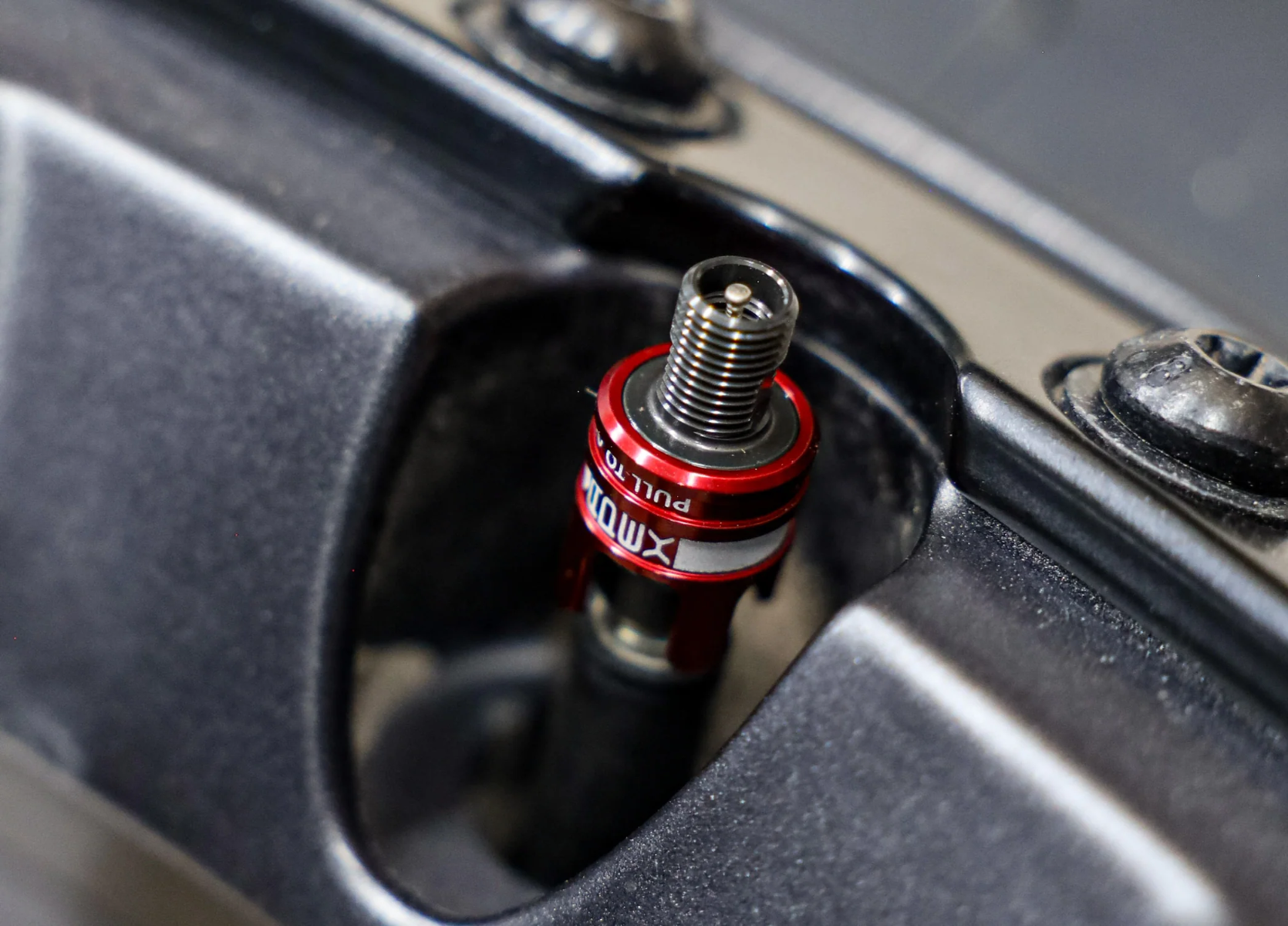
@Emanuel I can recommend the Apex RCVs: Not as fast as the other Apex valves but does the trick and you don't need to take off the tire to install - just screws onto existing valve. Takes about a minute to deflate from 35psi to 15psi per tire. If you do it the right way (open the valves one after the other) you can be deflated in all 4 tires in under 3 mins . Available on Amazon and install is easy - you can do it yourself
 1 point
 -
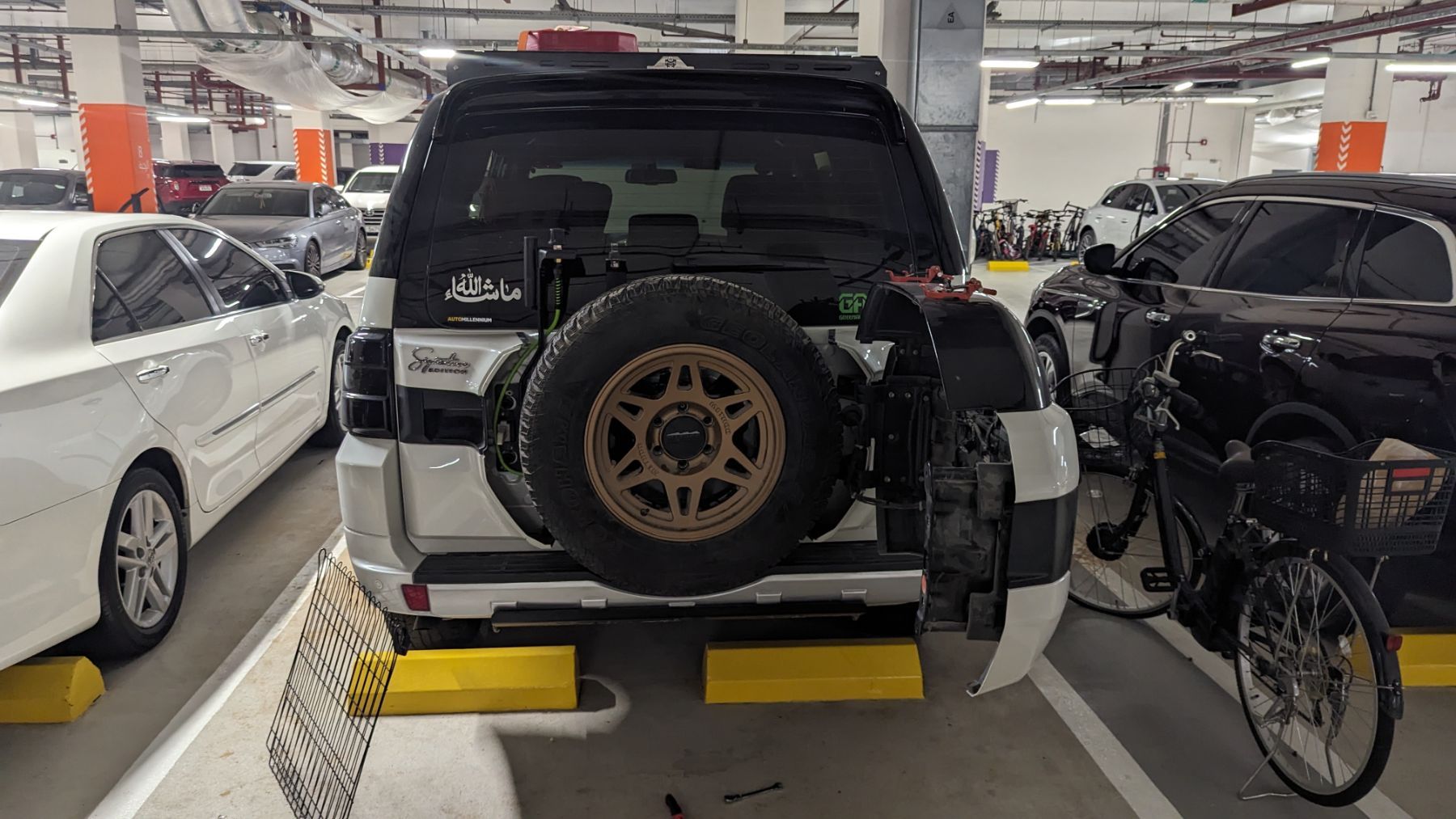
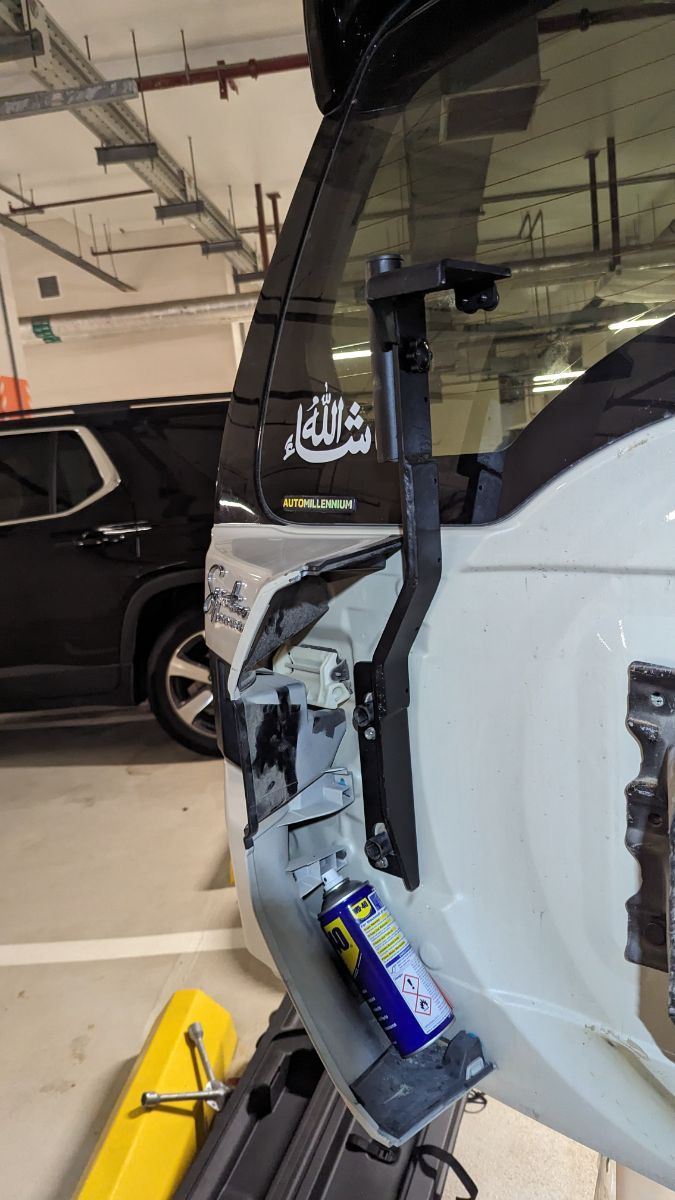
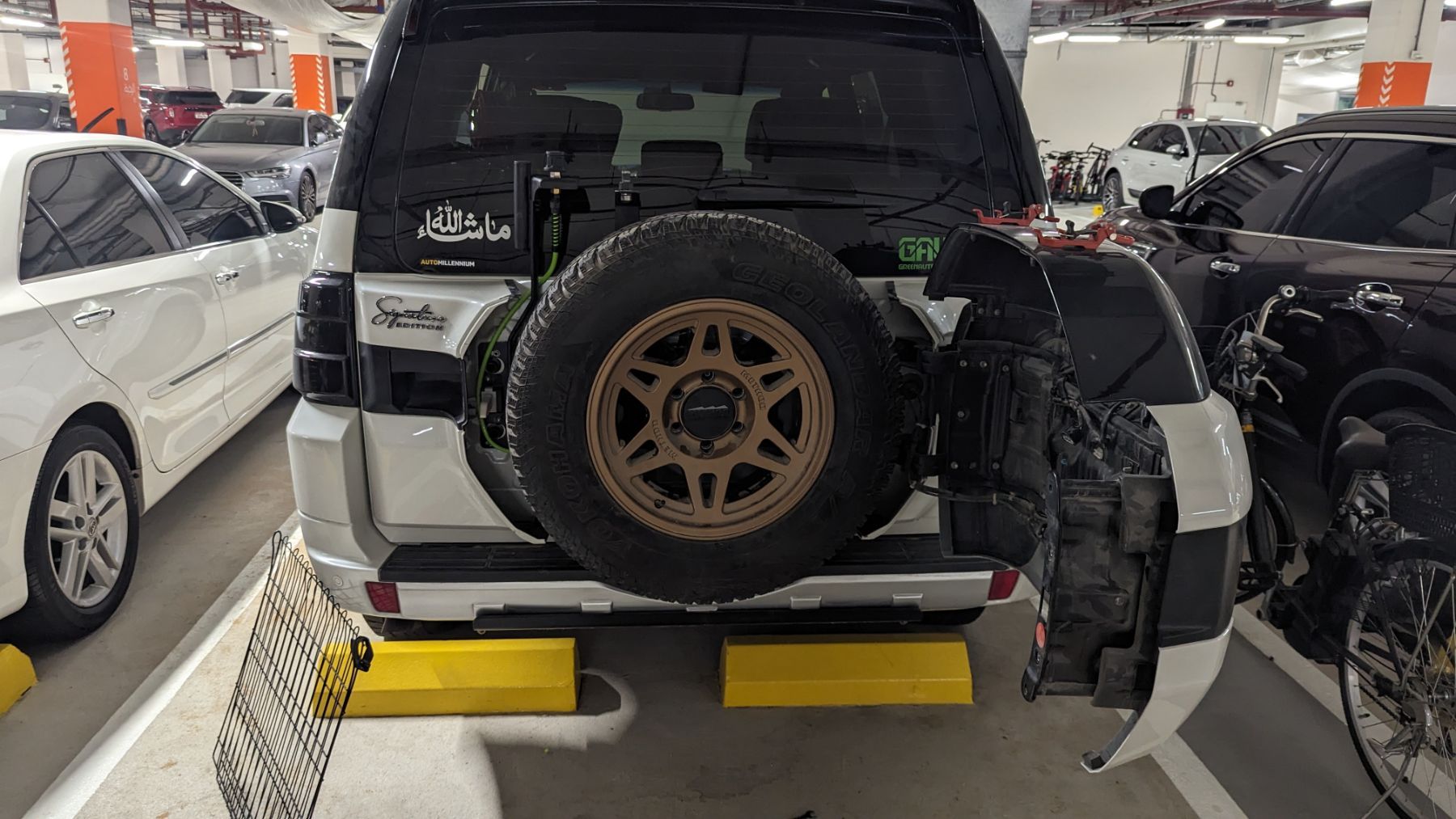
Taking inspiration from @Stumpy Paj I decided to go ahead with installing onboard air via arb single compressor. I decided to mount inside the space where the spare wheel goes, and run the air outlet to the side where I have a hard mount for the insta360 camera. Very simple job once you have drilled the mounting holes in the wheel mount. Terminated to ground on the factory point inside the rear space, and extended hot power to battery with inline switch at battery. Extended the pressure sensor and isolation switch up into the auxbeam gangpanel controller recommended by @Frederic. Super happy with the result. Here are some pics.
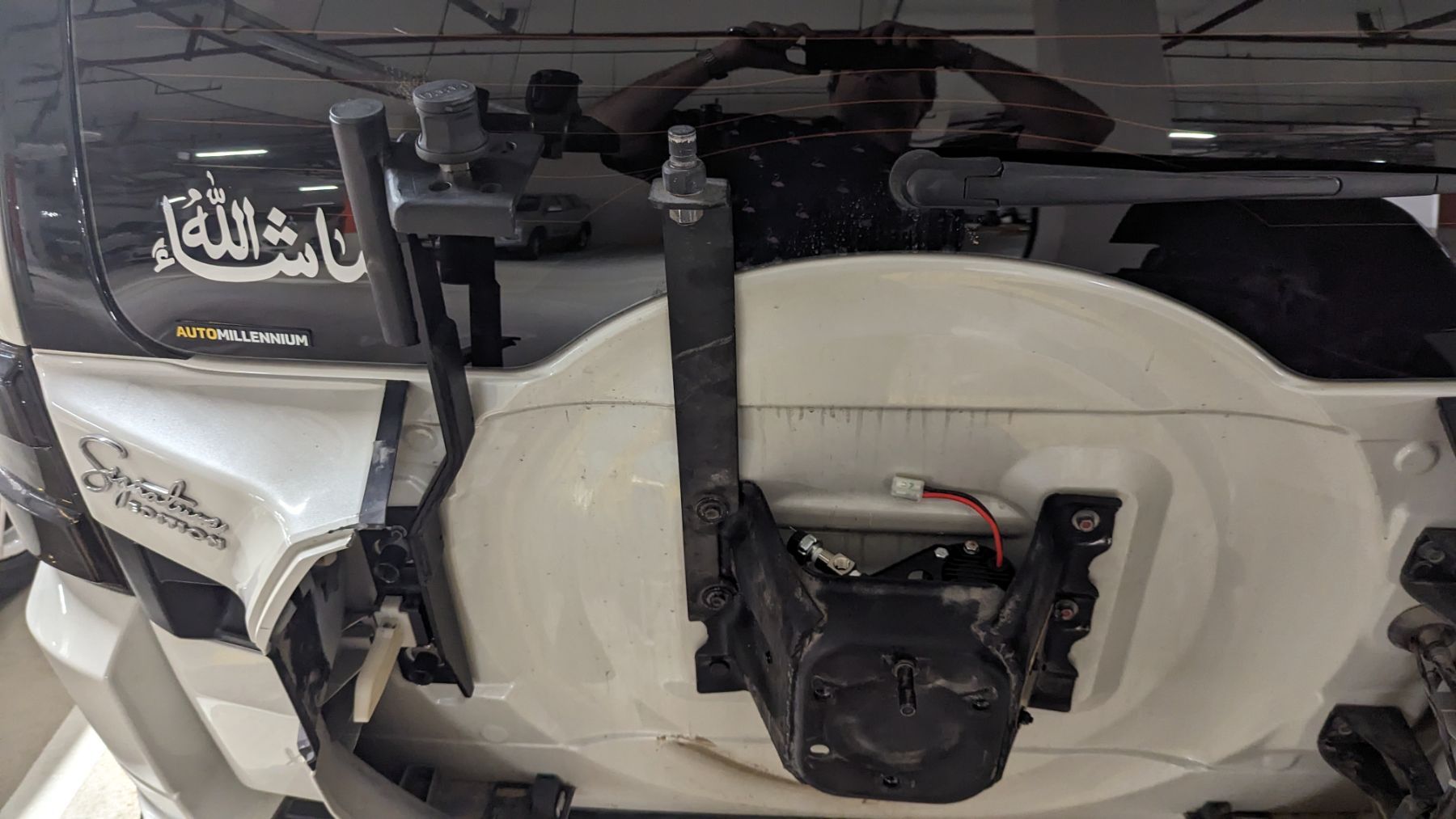
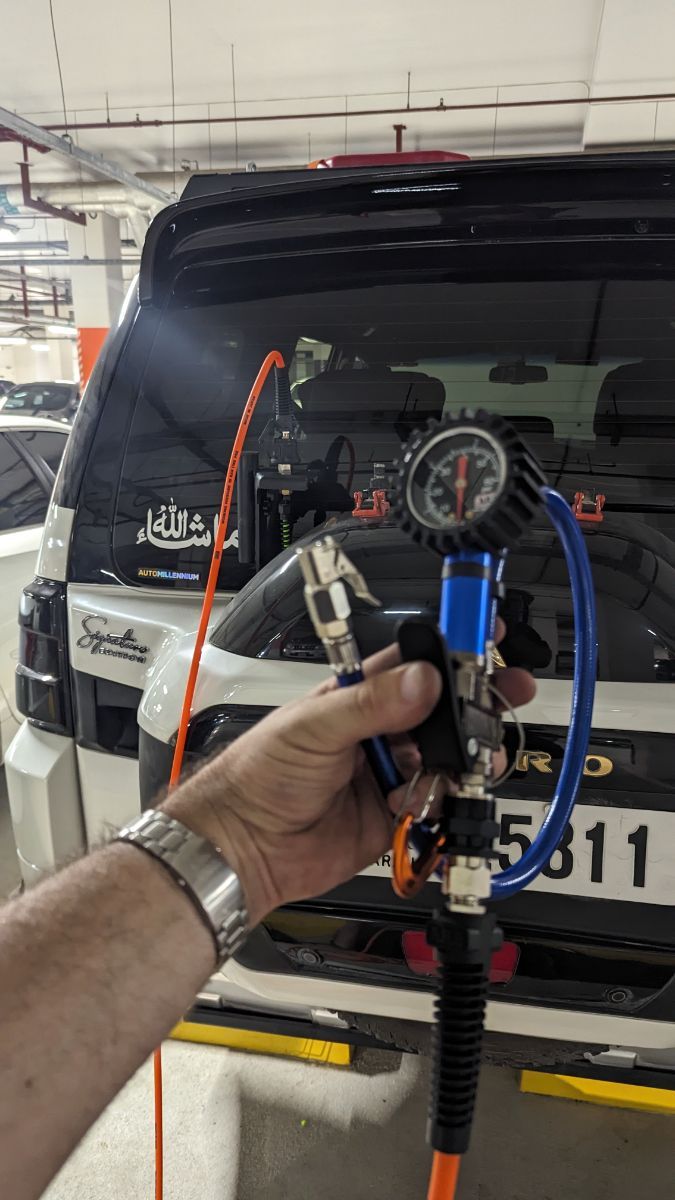
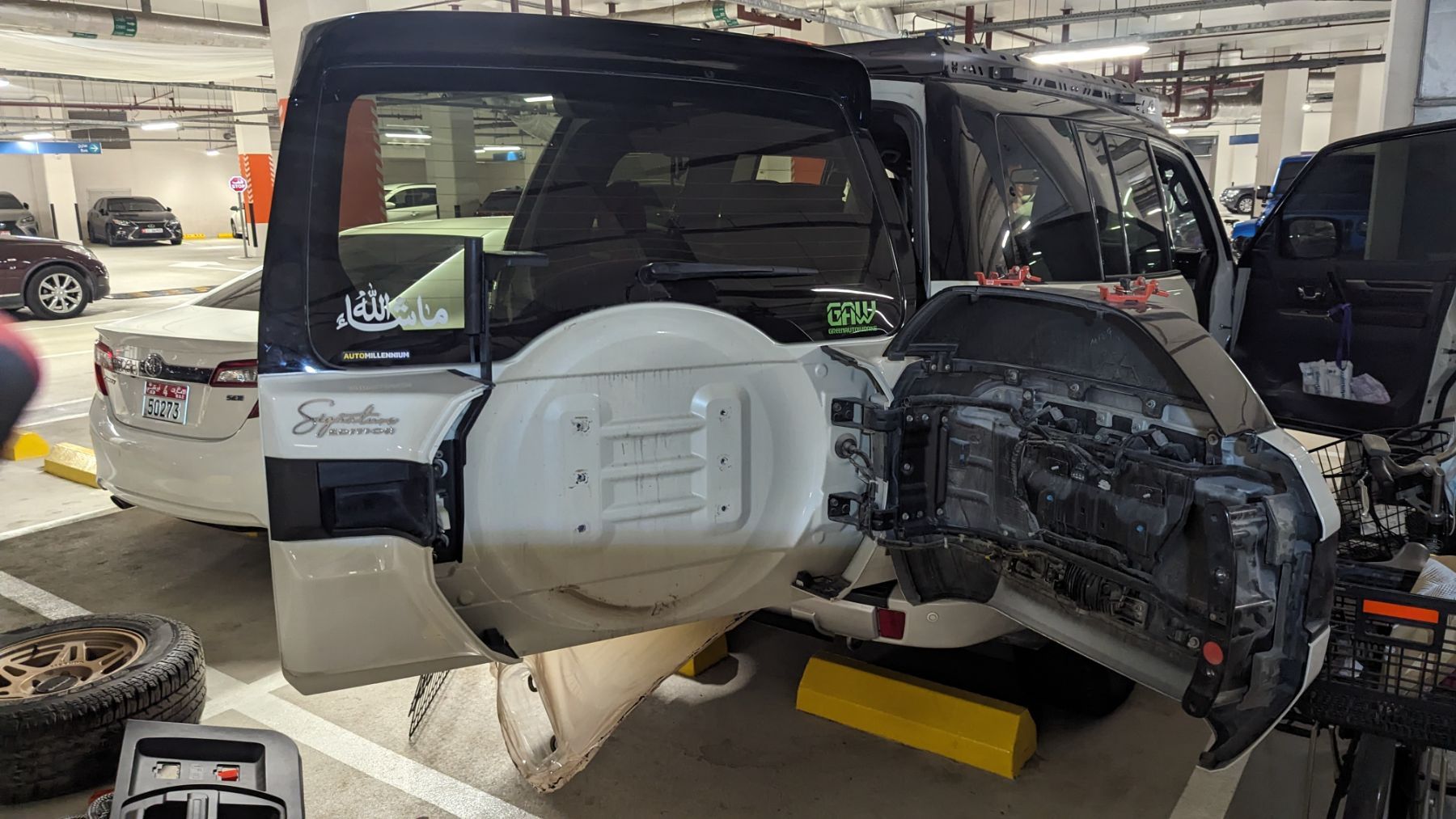
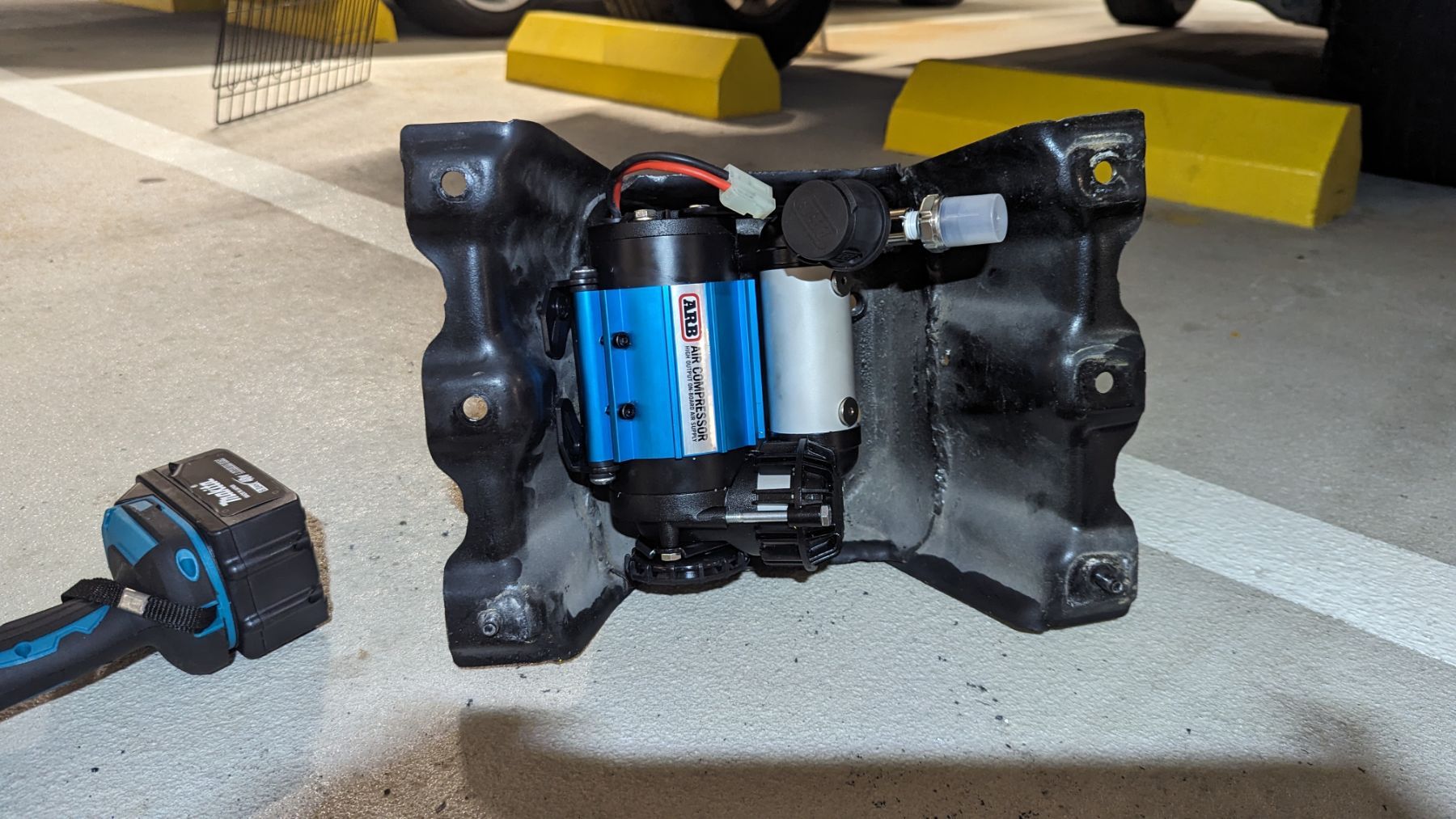
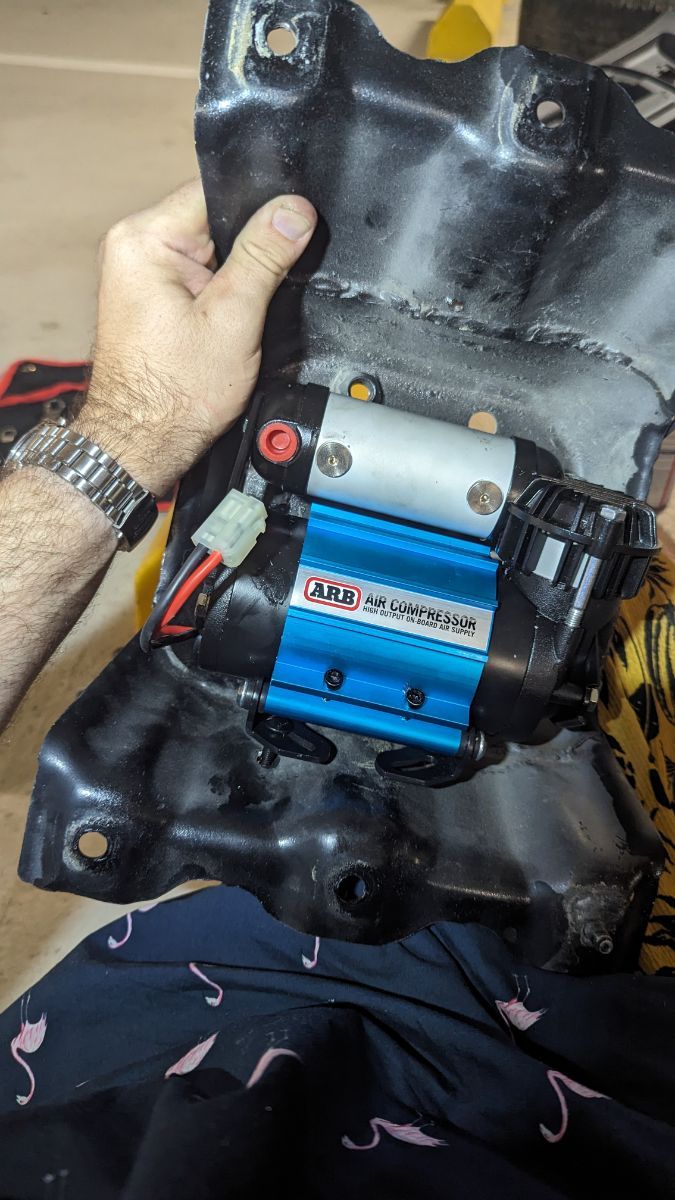
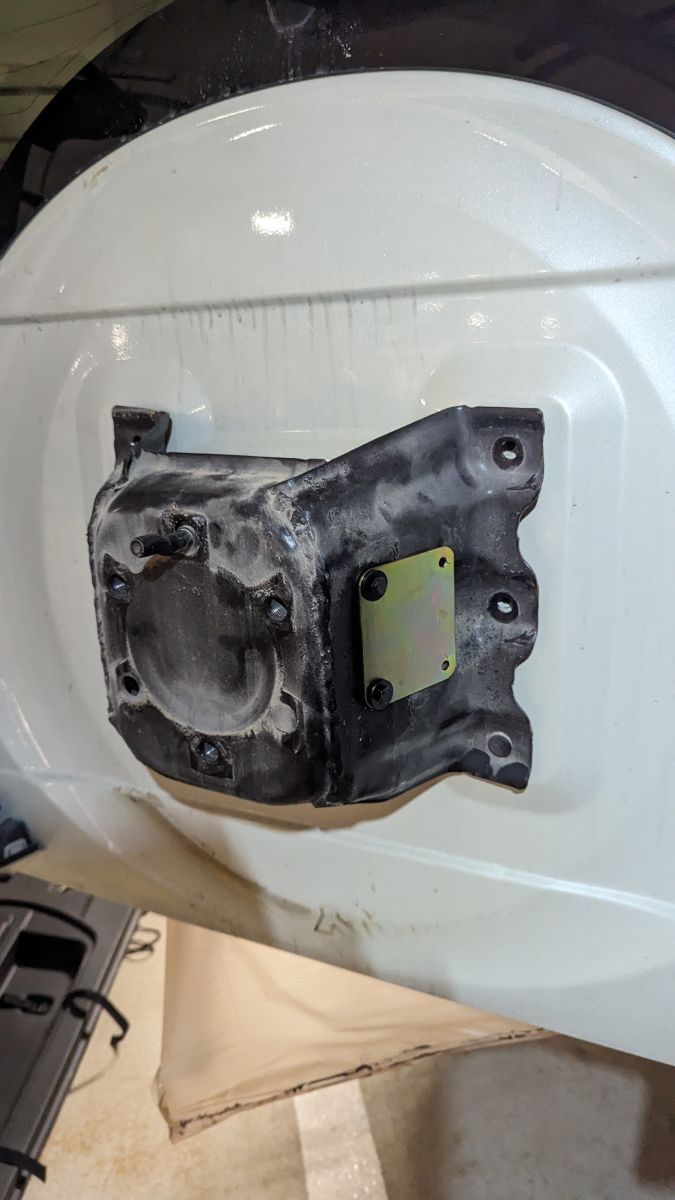
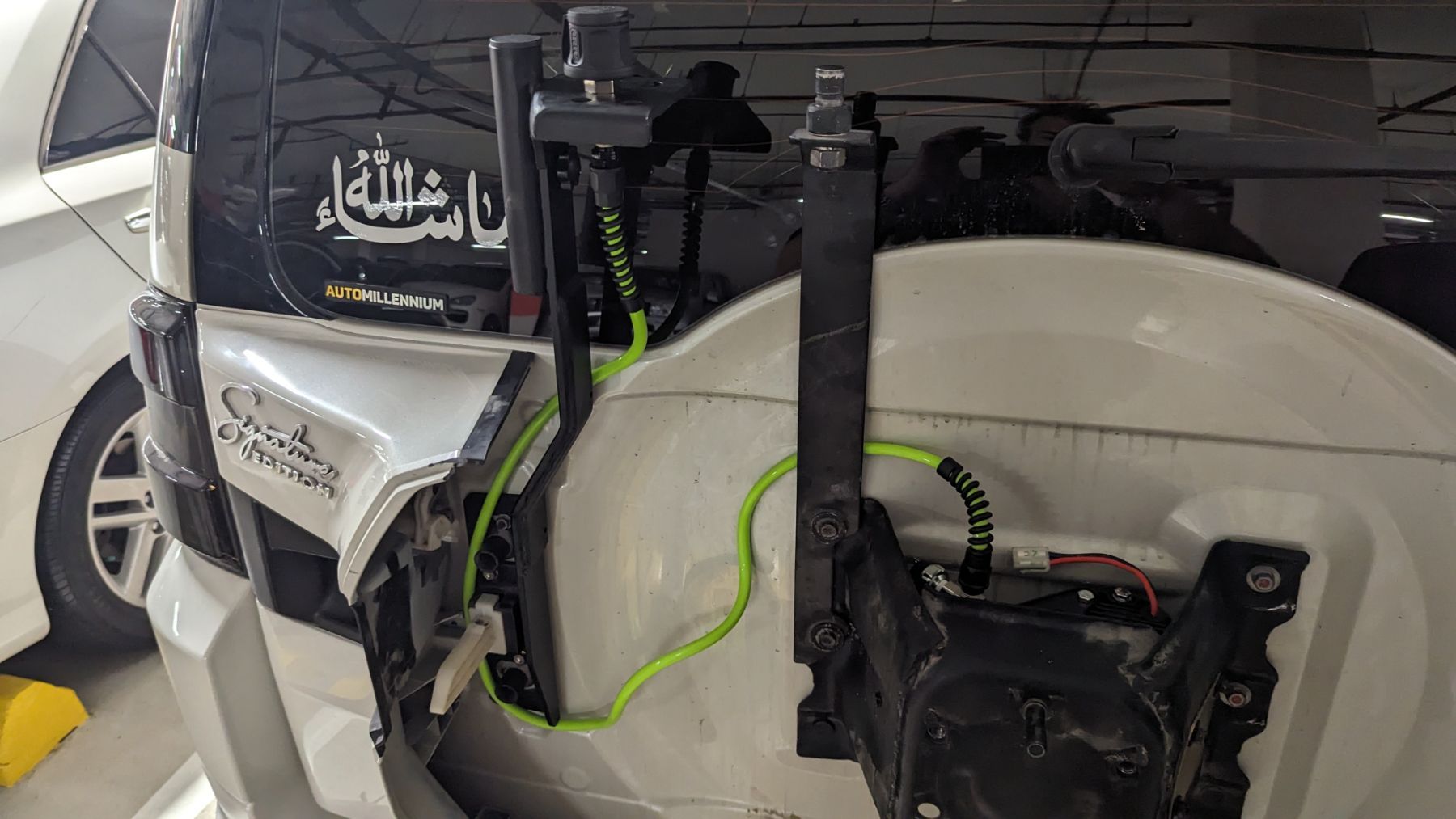 1 point



This leaderboard is set to Dubai/GMT+04:00