
Leaderboard

Popular Content
Showing content with the highest reputation on 06/30/2025 in all areas
-
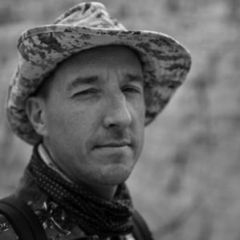
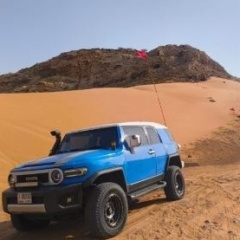
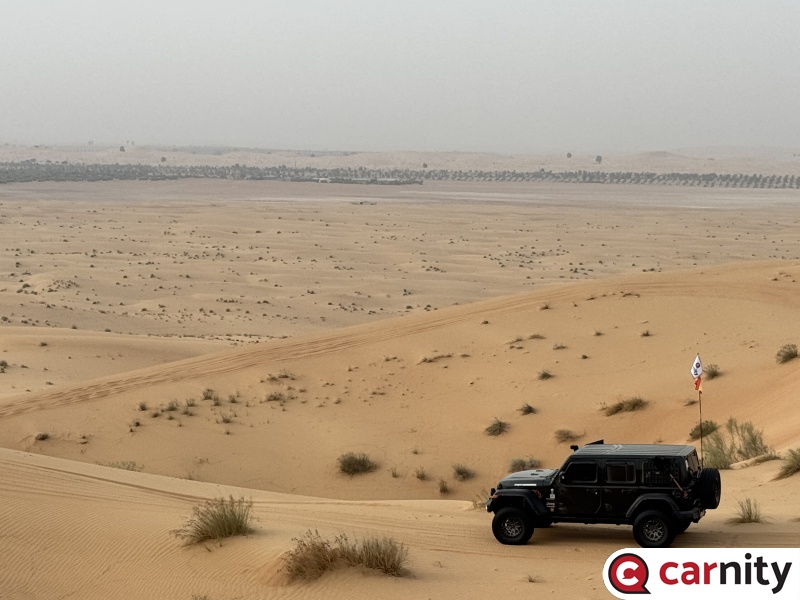
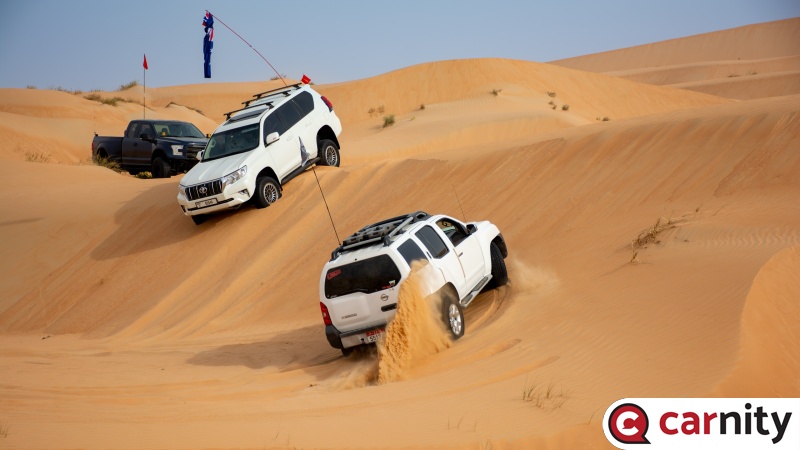
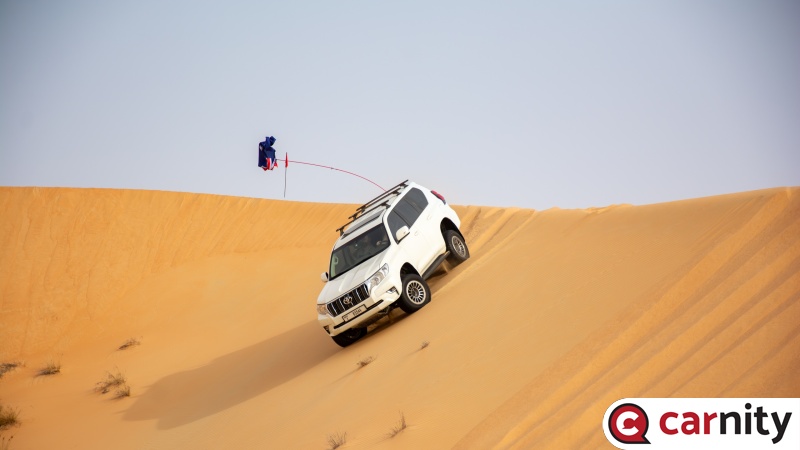
Five years passed since I joined Carnity offroad club and I still remember: I still remember my first ever absolute newbie Drive which didn’t last more than 15 min when I nose dived my grand Cherokee and busted my radiator and how Gaurav drove us effortlessly to safety. I still remember my first drive ( three weeks after ) as a second lead with my Current Xterra along with my son Adam who’s is now grown and will be going to college this summer . I still remember my first criss cross as first Fb when Ale drove in-front of me showing me how to do it safely . I still remember my promotion to intermediate level and my first entry with my Son Abdallah to Qudra discovering his Abdallah Dune and his first sand slide . I still remember the passion which is still growing inside of me drive after drive and taking different forms all along . I still remember my first drive as an advisor and it was on June 18th my birthday 🎂 and it was a night drive chasing Sri Kumar as a second lead @pink rock 🪨 I still remember the first DCT and how the 🦊 team performed . I still remember like yesterday the three sessions of Leaders lead , my first partial lead and my first ever lead of a fewbie in the mystical Lisaili Desert . I still remember my promotion to marshal level and my first newbie drive in Qudra Desert . I still remember my first Sweihan lead and the the nasty roll over of one of our fellow driver friend and how we all went through it alive. I still remember the epic recovery at top of big red from midnight till just before sunrise. I still remember my own Solo drives with its pros and cons I still remember all the good ppl around whom I learned a lot from and still learning . Last but not least I realized that the most important is the camaraderie and connecting to ppl is what Carnity is all about . Cheers ❤️5 points
-
Interesting fact: @Johannes Roux had the pleasure of driving with each of us (@Ishak @Luke K P and me) on our very first partial lead drives.4 points
-
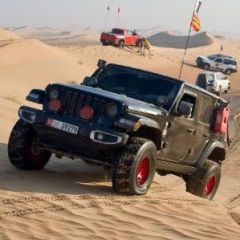
Good evening, Thank you for joining this drive, for your attentiveness, patience and feedback. All of which were very much appreciated. This was my first time leading a convoy and it was an amazing experience once we hit the sand. You all drove extremely well and I'm fortunate to have had you on this inaugural lead drive. We had minor refusals and successful reattempts though these were few in numbers. Everyone showed up on time, which is always appreciated especially now it's getting hot out there. We started with a briefing and then entered the sands following a south and westerly route towards Sweihan though our planned exit point was Nahel Pumping Station. We started with some warm-up dunes and then crossed a usual track in order to get to the wonderful stretch of mostly clean dunes ranging in heights from medium to a few tall ones. We enjoyed some bowls, ridges and tall hill climbs and then played for a while in a technical patch before resuming our direction back to Sweihan. We then took a Sabkha route to a sand track leading us out to the Nehel Pumping Station. Thank you @Looper for your guidance and support on this drive. Very much appreciated. Also, thanks to @J-P L for a strong Centre-Forward and to @Aser for Sweeping to make sure we were all together and accounted for. You had great communication with me regarding the status of the rear. It was great to meet you @Diego and @Johannes Roux. Welcome to Carnity. You both drove really well today! With much experience already, @vinayak n, @Abhishek Chikara, and @ChrisW allowed me to focus on my first lead. See you on my next partial lead drive next Saturday with @Frederic. Have a great week everyone! Here is our route and some stats from our drive today. We covered an amazing 45km in 3 hours which is pretty good for a FB drive. The elevation profile shows some decent amount of dune explorations and some really nice hill climbs.
 4 points
 -
@Ishak, @J-P L & I did 2 of 33 points
-
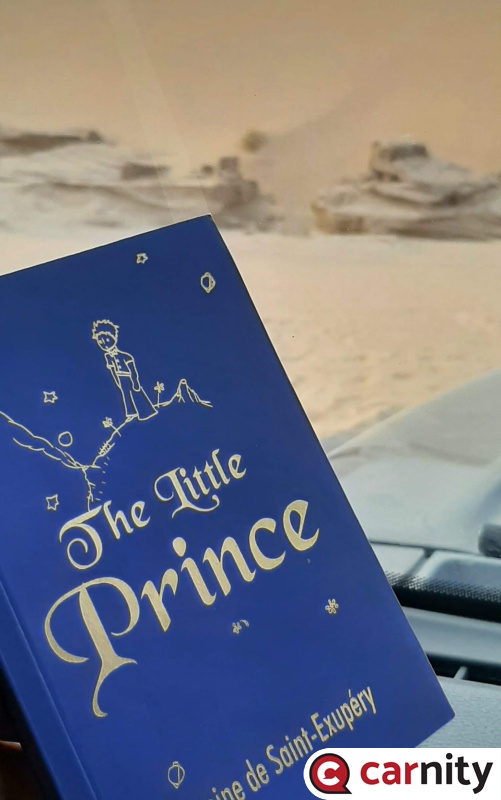
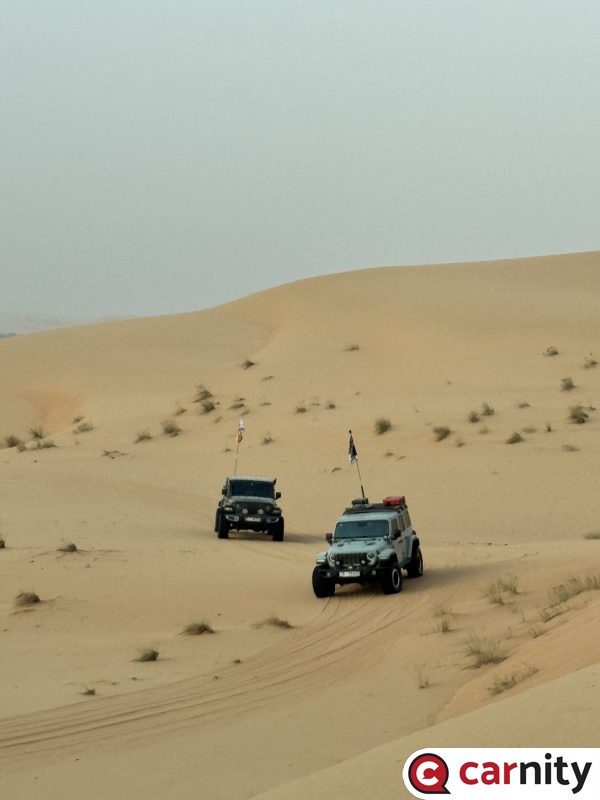
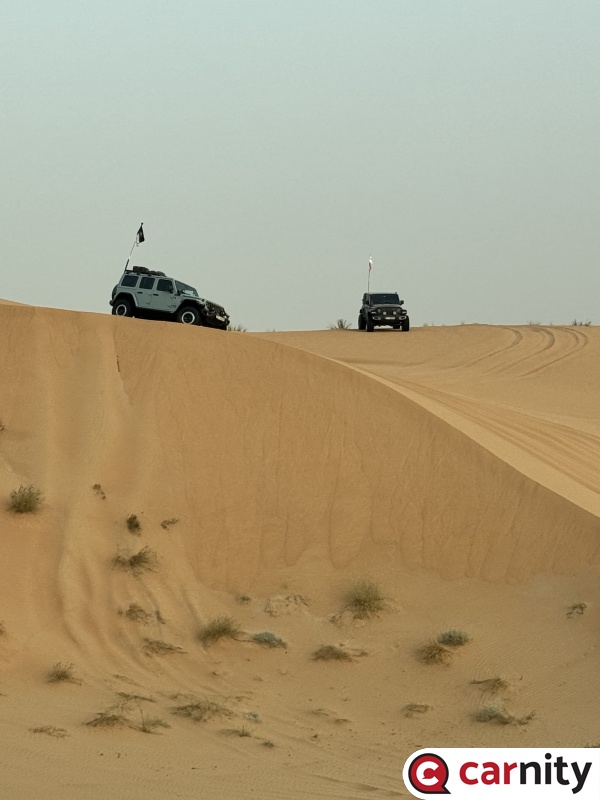
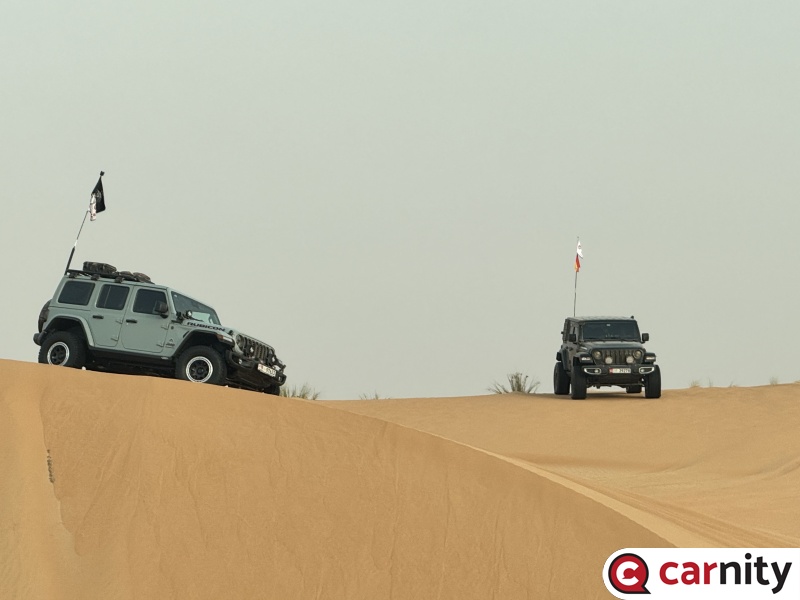
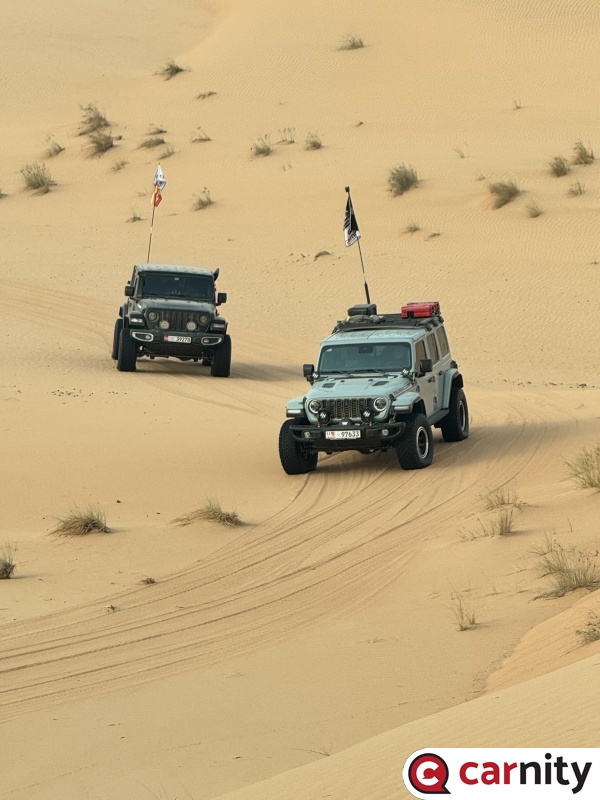
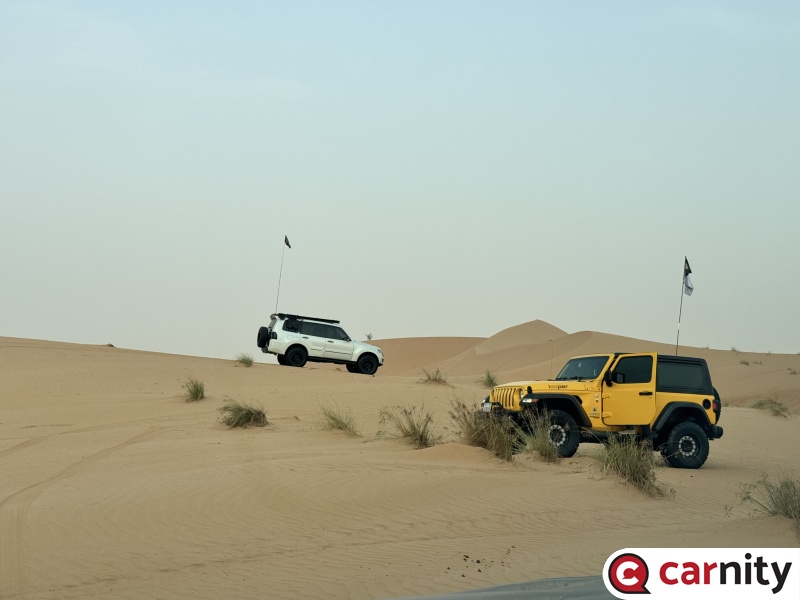
It was a nice Sunday afternoon for this fast paced F+ drive with new and old faces. There are bumpy sections and technical parts as well, a few nice dunes, lack, bearable summer weather and we managed to see the foxes' den. Thanks to @Ale Vallecchi for the lead and also the classic book. @Aser for the second lead support, and @Glenn W for the sweep. It was nice to be driving with @Johannes Roux and @Sherry Jacob Great to know you @Cesar Chacon and your cool ride. I have shared some photos in the gallery. I hope everyone will have a great week.3 points
-
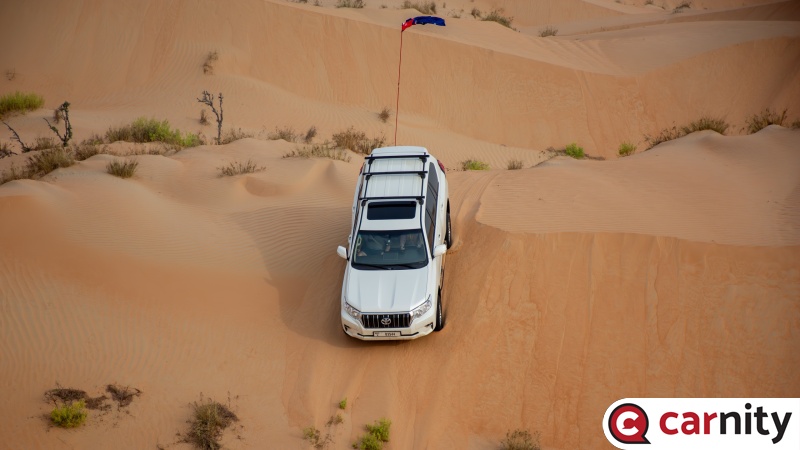
Congratulations @Soap for reaching the Fewbie Level with Carnity Offroad Club. Looking forward to seeing you growing further and helping others to learn the art of offroading in a safe environment. Please make sure your Carnity user profile is always updated with all the latest Emergency contact details. P.S. Trip lead might deny your participation if you don't have required off-road gear. FEWBIE Drives Attended (Indicative) Minimum 5 Newbie drives are required within last 3 months for Fewbie promotion. What you'll learn Basic dune and sand reading Self-recovery techniques Shoveling at right place Crawling out of difficult situations Blip Blip - Coordinate steering and gas control Basic side sloping and hill climb Basic ridge riding and criss crossing Basic control over technical dunes Slightly faster pace desert driving Ability to manage stuck/refusals with radio Learn to control and avoid fishtailing Never fight or challenge gravity Skills required Enthusiastic and positive attitude Willingness to learn and help others Presence of mind and attention to detail Car Worthiness Any 4x4 vehicle with low range gearing Suitable approach and departure angle Off-road gear required Safety flag, tire deflator, tire pressure gauge, shovel, fire extinguisher, medical kit, radio (walkie-talkie), air compressor. Drive teamwork Manage second lead and sweep positions upon request Intuitive and proactive to support Trip Lead Observe recoveries and offer help, when needed Drive Joining Join Newbie and Fewbie drives Forum participation Active participation on the forum Share drive experience + feedback Share drive pictures in the gallery Post trip report after the drive2 points
-
2 points
-
1 point
-
I have a couple of trips this month. Will look forward to join your future night drives.1 point
-
Thanks for the great drive @Emanuel Had a great time and the second part with bowls was a ton of fun!! Looking forward to many more drives under you!1 point
-
Thank you everyone! I am looking forward to more learning and also contribute to the community.1 point
-
Congrats 🎉 @Soap1 point
-
Prado Power !! Congrats @Soap Keep it up !1 point
-
Best regards to your Dad , it’s an honor really , watch the notification today , almost I am doing every Friday night drive 😊1 point
-
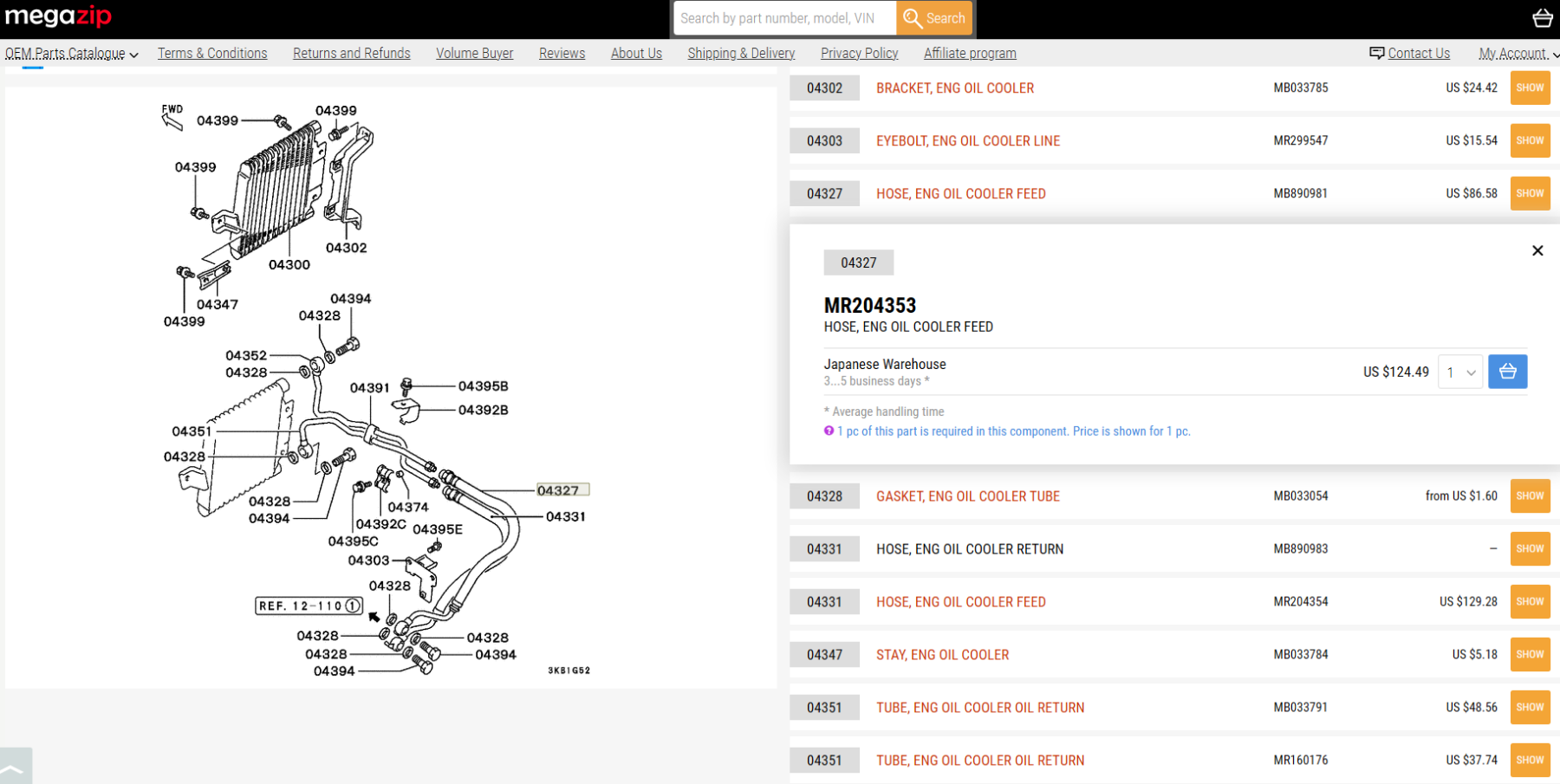
Appreciate some more details like year model, engine trim etc. Plus slightly zoomed out pic to see if hose originate from engine oil pan or gearbox oil pan. In my 1999 Pajero, I have engine oil cooler and very similar hose is carrying engine oil from sump to cooler and return. If you can run your VIN number in megazip, then you can check each part with diagram and code number to order from habtoor.
 1 point
 -
@M.Seidam ,what a journey! amazing & many congrats!!... my first night fewbie drive this year .. lead by you ,you made me so comfortable ... that night my father too joined the drive as passenger... ... he still asks me when i say i am going for weekly drive ..."are you with the same Marshal that we went drive with... he is amazing!" looking forward for more drives with you ....1 point
-
1 point
-
I enjoyed driving with Dr @M.Seidam He is always reassuring, and calm, clear instructions and narrative. Although I am not as active as before, whenever I have time, I always look forward to driving with him. I did a few epic night drives and regardless of the level, it has always been interesting. I look forward to more drives and congratulations to your illustrious off-roading journey.1 point
-
1 point
-
1 point
-
1 point
-
1 point
-
1 point
-
1 point
-
1 point
-
1 point
-
1 point
-
1 point
-
It was truly heartwarming to read every word you wrote. Your ability to recall each moment with such clarity and detail is nothing short of extraordinary, clearly a reflection of both your sharp memory and your deep connection to the experiences we've shared. To be honest, that day I drove your JGC with the radiator broken, I genuinely thought it might be the last time we'd cross paths in the desert. But when you returned, this time in your Xterra, I knew, without a doubt, that you were hooked for life. The sand had claimed you, as it does with the best of us. Over the years, we’ve come to recognize a simple yet powerful "sand metric" out here: if someone walks away after their first serious setback, chances are, they’re gone for good. But the ones who return, who rise from the dust after the hit, those are the ones who never leave the sand behind. And you, Doc, are a textbook case of the latter. It’s always a pleasure to see you and share a convoy with you. Your composed presence, crystal-clear communication, and natural leadership make every drive smoother and every challenge more enjoyable. You lead not just with direction, but with calm confidence and that makes all the difference. Looking forward to many more unforgettable drives together.1 point
-
Dear @M.Seidam what a fantastic overview of achievements. Your heart has been in this game from the start, and your unwavering passion for the sand shines still every week. We are blessed to have you with us. I am looking forward to another 5 years of your fantastic drives, meetups, and camaraderie. You are totally right. Everything we do as Carnity is building a community. Without the many members we have there would be no joy, no laughter, and nothing to remember but the shifting sand.1 point
-
1 point
-
1 point
-
1 point
-
1 point
-
1 point
-
1 point
-
1 point
-
1 point
-
1 point
-
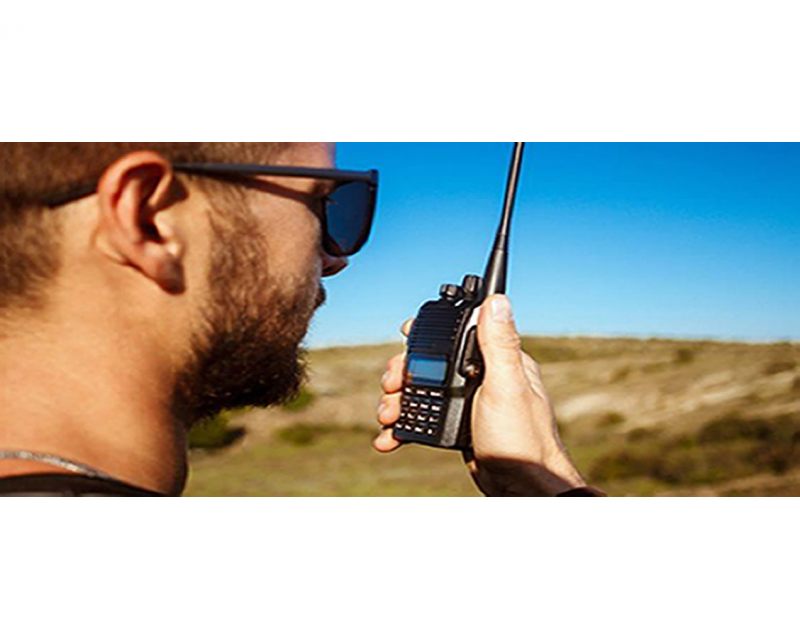 Two-Way Radio Guidelines A two-way radio is an essential safety device during every Carnity Offroad Club drive. It is the primary means of communication between the convoy members. Before the Drive Every participant must bring their own two-way radio. We highly recommend programming your radio with the Carnity frequencies listed below beforehand. We do not provide spare radios or program radios at the meeting point. For your very first club drive we can lend you a radio for that day only. Ensure your battery is fully charged before every drive. No radio = No drive. If you need help choosing, programming or operating your radio, simply create a topic on the Carnity website. Our community will gladly assist you. Radio Channels Carnity Offroad Club uses multiple radio channels so that several convoys can operate simultaneously without interfering with one another. Your Drive Lead will always announce the channel to use before the convoy starts. Recommended Radio Models and Brands UHF Two-Way Radio (400-470Mhz operating range). (VHF will not work). Handheld radio (built-in models can be purchased as extra but you need at least one handheld model. Recommended brands are: Baofeng (UV5R, UV5RH, UV5R Mini), Crony or Motorola MT777, TYT, Make sure it's equipped with a keypad so you can enter the frequency. Do not buy the models without keypad unless you are savvy enough to program with a separate USB cable and Chirp Software. Recommended Radio Settings For best compatibility with other convoy members, we recommend: Frequency Step: 6.25 kHz CTCSS / DCS: Disabled (unless instructed otherwise) VOX: Off Radio Etiquette Listen before transmitting. Keep messages short and clear. Do not interrupt emergency communications. Use the radio for convoy-related communication only. Follow the instructions of the Drive Lead and Marshals. The 10 radio frequencies are listed below: Technical Details STEP FREQUENCY: on the FM band, frequencies are spaced from each-other at a certain bandwidth. The Step frequency is basically the incremental change in your radio when you turn the rotary knob on top of your radio. When you program the radio to a certain frequency, you will need to make sure the appropriate step frequency has been set correctly. (see on the above frequency list). PTT: Short for PUSH-TO-TALK: This is the button on the side of your radio that you push when you want to broadcast a message. MON: Most radios have a Monitor button. When pushed you are basically monitoring the channel. If no-one is broadcasting you will just hear noise. But this is useful to set your desired volume. SQL or Squelch: To make sure that your radio does not pickup every little signal, the squelch acts as a gatekeeper to only allow a broadcast on your radio when it is strong enough or nearby enough. If you encounter a lot of noise that's being picked up by the radio, try changing the SQL setting a little bit. A higher setting makes the radio less sensitive to noise. RX and TX frequencies: RX stands for Receiving frequency, which TX stands for transmitting frequency. in Carnity we transmit and receive on the same channels. DCS / CT codes: These are basically encryption settings that allow a user to make sure only radios with exact same CT codes can listen in on the chatter. As these settings are confusing and complex, they should not be used (CT should not be showing on your display). Programming the Motorola/Crony MT777: Note: This radio has 2 operating modes called "Frequency" and "Channel". To switch between these modes, keep the ENTER button pressed while switching on the radio. Pressing the VFO/MR button while you're in Frequency mode will bring you to the combined mode, which is basically a screen that shows both the channel and the frequency. You can use either one of these modes during operation. To Program the Channels: 1. Make sure your radio is switched off. 2. Press the Moni (black button on top of the orange one on your left side), and MENU key together while switching on the radio. 3. Wait for the set to display SELF (which means manual setup). 4. Press Enter and it will show the Channel number. 5. You can choose which channel to program by selecting it from the rotary selector knob on the top of your device. 6. Once you have the desired channel, press ENTER. 7. Type your first frequency you want to program. 8. Press ENTER on every setting below to go through the advanced settings and verify if they are programmed as following: (If above settings are not correct they can be changed with the rotary knob on the top keep pressing enter until your set displays the next channel to be set). 03=OFF (if a number is showing here, push the *Lock button until OFF appears). 04= Enter the same frequency as the one you want to program. 05= OFF (if a number is showing here, push the *Lock button until OFF appears). 06= OFF 07= ADD 08= HIGH(H) 09= NARROW 10=-------- 9. Repeat from Step 5 to program the rest of your channels. Very useful Youtube video below: method for adding a single frequency later on, without going through the whole SELF programming mode again: 1. Make sure the radio is in Frequency Mode. Type in the frequency you want to program. E.g 446.00625 2. Press MENU and then press the VFO/MR button. The channel number will start to blink. 3. Use the rotary selector knob to select on which channel you want to save this frequency. 4. Press VFO/MR button again to confirm and exit. Keypad can be locked by pushing the * LOCK button for a few seconds. --------------------------------------------------------------------------------------------------------------------------------------------------- Programming the Crony CN888: Note: This radio has 3 operating modes called "Frequency", "VFO", and "Channel". You can toggle between these modes by pressing the orange Function button on the top left corner, followed by pressing 1 (Mode). Programming the radio as described below can only be done in VFO mode. 1. Switch on the radio. 2. Press the Function Key (orange button on top left corner). 3. Press 4 (STEP) until it shows 6.25. Press EXIT to confirm. 4. Now type the first frequency you want to program. Eg. 446.00625 5. Now press the # button. The Channel number in the corner of the display will start to blink. 6. Select with the A (up) or B(down) buttons to choose wich channel you want to save the frequency. 7. Press the C button. the radio will confirm by saying "SAVED AS RX FREQUENCY" 8. Press the # button again. The Channel number in the corner of the display will start to blink. 9. Press the D button. the radio will confirm by saying "SAVED AS TX FREQUENCY" Keypad can be locked by pushing the Function button, followed by the *F.L button. Programming the Baofeng UV5-R: When buying a radio like the Baofeng UV5R, many certain frequencies and channels are already programmed into the radio, but these are different from the ones we use in Carnity. As you will be programming 5 new channels onto Channel number 1 till 5, it is important to first delete these existing frequencies stored in those channels. You can do that as following: Step 1: Delete the existing channels from channel 1 till 5: 1- Switch on the radio 2- Press the MENU button followed by the buttons 2 and 8. (Menu 28). 3- Press MENU, and then use the UP/DOWN arrows to select which channel you want to clear. 4- Select CH1 and press MENU again, you will hear "delete channel, followed by confirmed". 5- Now go back to step 3 and do the same for the following channels (CH2-CH3-CH4-CH5). 6- Now all 5 channels are clear and ready to be programmed. Step 2: Set the step-frequency: - Switch on the radio - Press the MENU button and with the up and down buttons select STEP frequency. - Change this to 6.25 and press MENU to confirm. - Press EXIT to go back to the main menu. Step 3 Program the new frequencies in the radio: 1- Press the VFO button. You will hear the confirmation “frequency mode”. 2- Make sure the arrow is on the top line. If not, press the blue A/B button. 3- Type in the frequency you want to save. I.e 446.00625 4- Press MENU, followed by button 2 and 7 (menu 27). You will see MEM-CH. 5- Press MENU and now use the up and down buttons to select the channel you want to save it on. 6- Press MENU again to confirm. Your first frequency is now stored under channel 01. (receiving memory). 7- Press MENU TWICE again to confirm. Your first frequency is now stored under channel 01. (transmitting memory). 8- Press EXIT and repeat from step 3 onwards to program your remaining channels. Note: To program the Carnity backup frequency channel 5, you will need to set the step frequency to 12.5. When done, follow the same steps to program and save it under channel 05. You can either program these channels one by one into your radio, which is the easiest for you later on, or you can just enter the frequency without saving it. Some extra notes: Option 5 in your menu should be on Narrowband. Option 10 and 12 in your menu should be set to OFF (we are not using CT codes). BaoFeng_UV-5R_Manual_(1).pdf1 point





This leaderboard is set to Dubai/GMT+04:00